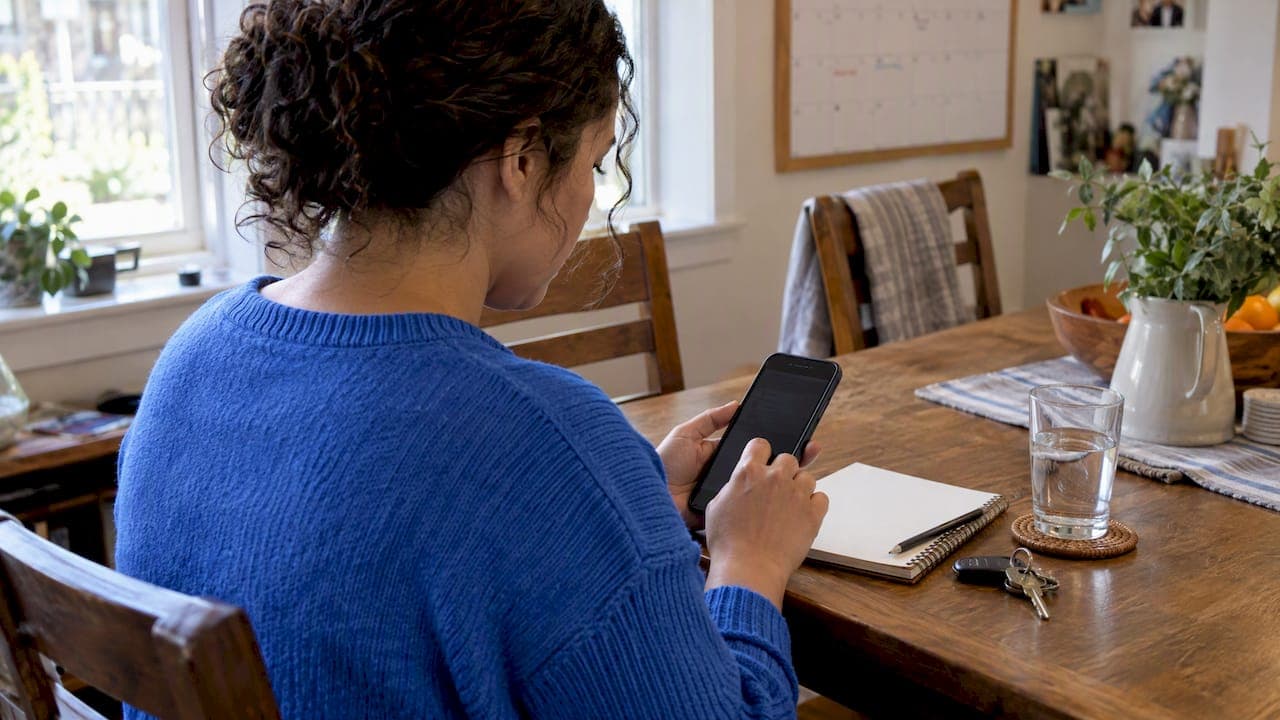
A digital care binder is a mobile app that stores care profiles, shares schedules, and records caregiver hours, making handoffs safer and payroll easier for everyone involved. When caregivers and families use it consistently, it replaces scattered sticky notes and text threads with one reliable source of truth. One app built for this purpose is free for caregivers to use.
TL;DR:
- Caregivers should log tasks and incident details within five minutes to ensure timestamps are accurate and disputes are minimized.
- Weekly export and reconciliation of time logs are essential for compliance with labor laws, regardless of app automation.
- A short, updated emergency sheet in printed form is critical for quick reference during care transitions or internet outages.
- Setting up a digital care binder takes less than twenty minutes and should include profiles, schedules, time tracking, and backup procedures.
- Most household care apps are not covered by HIPAA, so using strong security measures and printed backups remains important.
Table of Contents
- What features belong in a digital care binder
- Daily workflow: how caregivers and families actually use a digital care binder
- Payroll and recordkeeping essentials for household employers and caregivers
- Medication and emergency information: what to include and how to make it instantly usable
- Quick setup checklist: profiles, schedules, time tracking, and backups
- Backup, privacy, and common limits of apps
- A note on organization and peace of mind
- Try The Care Tracker for free caregiver tools and payroll support
- Sources
- FAQ
What features belong in a digital care binder
A good digital care binder does more than hold notes. It needs to support real coordination between caregivers and the families who employ them, with enough structure to keep payroll and safety information accurate.
Look for these core capabilities before you commit to an app:
- A shared calendar where schedule changes get approved by both sides, not just assumed.
- Care profiles listing allergies, medications, emergency contacts, and daily living notes specific to the person receiving care.
- Time tracking with clear timestamps and an approval step, so hours worked match what gets paid.
- Daily logs and handoff notes, plus a place to store emergency sheets for quick reference.
- Role-based permissions, so each caregiver sees what's relevant without exposing unnecessary personal details.
When a family manages more than one caregiver, shared access becomes even more important. A 48-hour care plan that multiple caregivers can see and update keeps everyone working from the same information, rather than relying on whoever worked the last shift to remember the details correctly.
Daily workflow: how caregivers and families actually use a digital care binder
The app only works if it gets used the moment something happens, not at the end of the week from memory. That's the idea behind the 5-Minute Rule: log a task, a dose, or an incident within five minutes of it happening. Immediate timestamps hold up better than recollections, and they cut down on disputes about what time a shift actually started or ended.
A typical shift looks like this:
- Check the care profile for any updates before starting, especially medication changes.
- Confirm or accept the scheduled shift in the app.
- Start the time clock right when you begin working, and stop it when you finish.
- Log medications given, meals, naps, or any incidents as they occur.
- Leave handoff notes for the next caregiver or the family before you close out the day.
Families should build a habit of reviewing and exporting logs weekly, both to catch errors early and to keep a clean record for payroll. Templates help here too. A daily log template with the same fields every day makes entries faster to complete and easier to compare across caregivers or weeks.
Pro Tip: Set a phone reminder for the last ten minutes of every shift. It's enough time to log the day accurately without rushing through it.
Payroll and recordkeeping essentials for household employers and caregivers
Household employers carry legal recordkeeping obligations, and a digital care binder can help meet them, but it doesn't replace the employer's responsibility. Under the Fair Labor Standards Act, employers of domestic service workers must keep records used to compute pay for two years, and other employment records for at least three years. Employers can ask caregivers to record their own hours, but the employer remains accountable for the accuracy of those records.
Weekly reconciliation matters more than most families realize. Even with automated time tracking, DOL guidance makes clear the employer is responsible for the final record. That means:
- Export and archive time logs every week rather than waiting until tax season.
- Compare app-logged hours against your own weekly notes or calendar.
- Keep a signed or confirmed weekly summary as a backup to the app data.
- Understand how "hours worked" is defined for live-in and sleep-time situations, since those rules affect what's compensable.
Tax reporting adds another layer. The IRS Schedule H instructions explain when a worker counts as a household employee and what that means for withholding and reporting. When the recordkeeping or tax side feels like too much to manage alone, a payroll consultation can walk through the specifics for your situation.
Medication and emergency information: what to include and how to make it instantly usable
In an emergency, nobody has time to scroll through menus. The information that matters most should sit in one place, visible at a glance.
Keep this short list current for every care recipient:
- Known allergies and any past reactions.
- Rescue medications, exact dosages, and the time of the last dose given.
- Physician and pharmacy contact information.
- Emergency contacts, in the order they should be called.
Every time a medication is given, log it with a timestamp and the name of whoever administered it. Research on care transitions shows that communication failures around medication are a common source of preventable errors, which is exactly what consistent logging is meant to prevent.
Digital access is convenient, but a printed emergency grab sheet matters too. Standardized handoff communication reduces errors during care transitions, and a one-page sheet with the same fields every time, who, what, when, dose, reaction, is easier to read under stress than a long note.

Pro Tip: Print the emergency sheet and tape a copy inside a kitchen cabinet door. It's the fastest reference when a phone is dead or Wi-Fi is down.
Quick setup checklist: profiles, schedules, time tracking, and backups
Getting a digital care binder running takes less time than most families expect, often under twenty minutes for the essentials.
- Create the care profile first, filling in allergies, medications, and emergency contacts before anything else.
- Invite each caregiver and set permissions so schedule approvals go through the right person.
- Turn on time tracking and run a short trial shift to confirm the clock starts and stops correctly.
- Export a baseline record once everything looks right, and save it somewhere outside the app.
- Print the emergency grab sheet and post it somewhere visible in the home.
- Save a medication log template and a daily log template so every caregiver fills in the same fields.
Once this is set up, maintaining it takes minutes a day rather than hours a week.
Backup, privacy, and common limits of apps
No app should be the only place critical information lives. Keep a printed or PDF emergency sheet in the home as a backup for moments when a phone isn't available or the internet is down.
- Export and archive time logs regularly. Under DOL recordkeeping guidance, this responsibility sits with the employer, not the app.
- Use strong, unique passwords and two-factor authentication on any account holding care information.
- Have caregivers sign a basic access agreement outlining how care information should and shouldn't be shared, as outlined in guidance on protecting caregiver data.
- Know the limits: most household care apps are not HIPAA-covered entities, since HIPAA generally applies to health plans, providers, and clearinghouses rather than family-run caregiving arrangements.
A note on organization and peace of mind
Organization doesn't eliminate every hard moment in caregiving, but it removes a lot of the avoidable ones. Fewer disputes over hours, safer handoffs between shifts, and payroll that doesn't turn into a scramble every few months. Templates like the medication log guide and the daily log templates exist because the small, repeatable habits are what actually hold up over months of caregiving, not grand systems nobody maintains. For readers who want a broader sense of what day-to-day caregiving involves, The Adventures of a Reluctant Caregiver offers an honest, personal account worth reading.
— mercedes
Try The Care Tracker for free caregiver tools and payroll support
If you're a caregiver, The Care Tracker gives you shared schedules, care profiles, and accurate time tracking at no cost, so you can spend less time chasing paperwork and more time doing the work that matters.

If you're a household employer juggling recordkeeping and tax questions, a payroll consultation can save you hours of guesswork later.
| Action | Who it's for | Where to start |
|---|---|---|
| Download the scheduling and time-clock app | Caregivers and families | Thecaretracker |
| Use the One Page Handoff Checklist | Caregivers coordinating shift changes | Blog |
| Book the Standard Payroll Consultation package ($150 one-off) | Household employers | Thecaretracker |
| Book a Premium consultation ($150 one-off) for prior wage reporting | Employers with past payroll gaps | Thecaretracker |
Whichever step fits your situation, starting with one habit, logging hours the moment a shift ends, usually does more for accuracy than any feature alone.
FAQ
What should I include in a caregiver's digital care binder?
Start with care profiles covering allergies, medications, emergency contacts, and daily routines, then add shared schedules and time tracking. A short emergency grab sheet with the same core fields, allergies, rescue meds, and contacts, rounds out the essentials.
How long should household employers keep caregiver time records?
Under DOL guidance, records used to compute pay should be kept for two years, while other employment records should be kept for at least three years. The employer stays responsible for these records even when a caregiver logs their own hours in an app.
Do digital care binders replace paper emergency sheets?
No. A printed or PDF emergency sheet kept in the home remains important for moments without internet access or phone battery, so most families keep both a digital binder and a printed backup.
Are digital care binder apps covered by HIPAA?
Most household caregiving apps are not HIPAA-covered entities, since HIPAA generally applies to health plans, providers, and clearinghouses rather than private family caregiving arrangements. Families should still use strong account security and signed access agreements to protect sensitive information.
Is The Care Tracker free for caregivers to use?
Yes, The Care Tracker's core features, including shared schedules, care profiles, and time tracking, are free for caregivers. Household employers can also access paid payroll consultation services, such as the Standard Payroll Consultation package for $150 one-off, if they need help with compliance or past wage reporting.