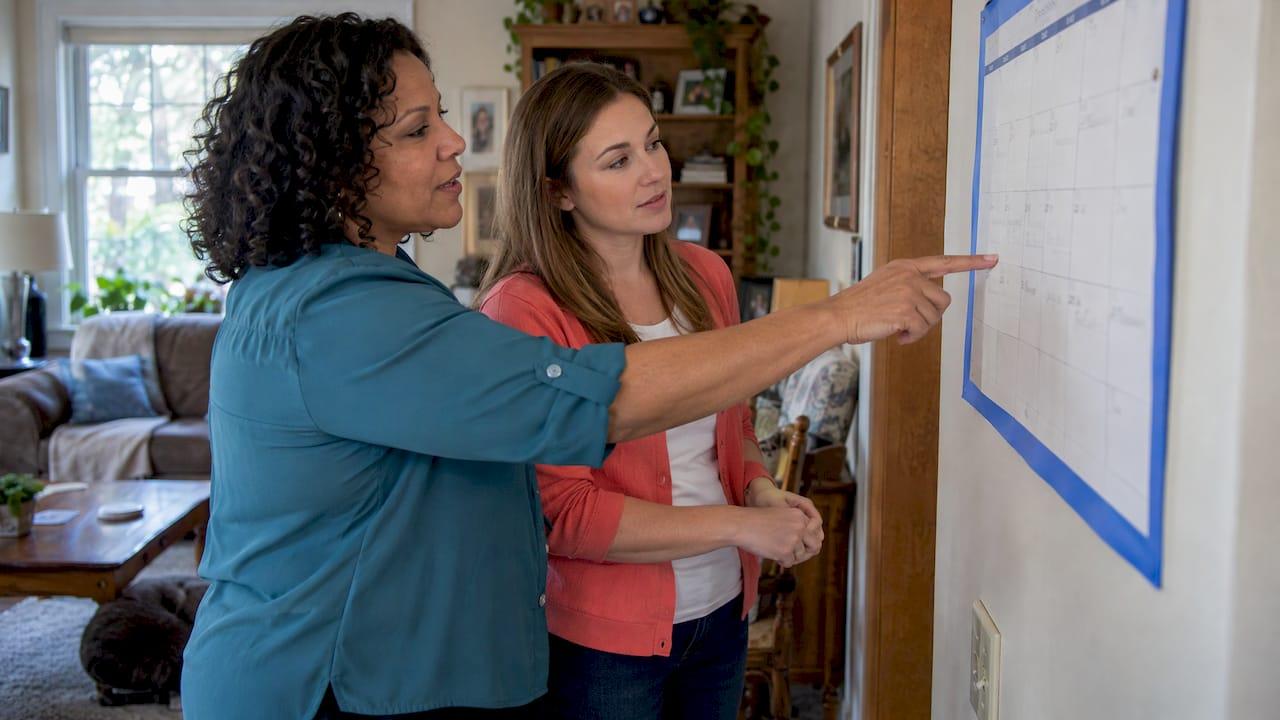
The best way to share a calendar with a nanny, au pair or home caregiver is to give everyone one calendar they can all open, with a single owner, clear shifts and the care details kept where they belong. Texts and sticky notes drift out of date. A shared calendar built around the caregiver's real job, shifts, requests, time off and hours, does not. Thecaretracker is a free app for caregivers that puts each job in one calendar, lets them receive and approve schedule requests, and tracks weekly hours, so you and your caregiver are looking at the same week.
TL;DR
- Use one dedicated household calendar with one owner. Do not share your own personal calendar or a caregiver's.
- Put the action, the responsible person, the date and time, a contact route and a confirmation status on every entry.
- Keep diagnoses, medication lists, passwords and financial details out of event titles that many people can see.
- Review the coming week together once a week, and send changes as requests the caregiver can approve.
- Match scheduled shifts to tracked hours so pay, overtime and time off are never a guess.
Table of Contents
- Why a shared calendar matters when you hire help
- What a good shared caregiver calendar contains
- How to set up a shared calendar with your caregiver
- What to share and what to keep private
- A sample week, shared the right way
- Keeping the calendar up to date
- Connect the calendar to hours and pay
- Start with the app, and get payroll right
- FAQ
- Sources
Why a shared calendar matters when you hire help
When you hire a nanny, an au pair or a caregiver for a parent, the schedule is the agreement in motion. It says who is there, when, and what they are expected to do. If it lives in your head, in a group text and on a fridge note, every change is a chance for a missed pickup, a double-booked shift or an argument about hours.
A shared calendar is simply a schedule that everyone involved can see and, where appropriate, change. Go Au Pair's 2025 guide describes it as a tool that makes plans visible, and says a family and an au pair can use it for school and activity events, appointments, routines, duties and time off. That list works just as well for a nanny or a senior's caregiver.
The National Institute on Aging, part of the U.S. National Institutes of Health, recommends keeping a caregiving notebook that everyone can reach, whether on paper, electronic or through a smartphone app that divides duties, keeps an appointment calendar and shares updates. It also says to check in regularly and update the plan as needs and availability change. That is the whole idea of caregiver calendar sharing: one place, kept current.
What a good shared caregiver calendar contains
A calendar full of vague entries ("Mom appt") creates the same confusion as no calendar. A Los Angeles guide to shared household calendars suggests every entry carry the same basics. Here they are, with an example for each.
| Element | Why it matters | Example |
|---|---|---|
| Action | Says what is happening | School pickup and snack |
| Responsible person | Removes "I thought you had it" | Maria |
| Date and time | Sets the start and the end | Tue, 2:45 to 6:30 p.m. |
| Location or contact route | Saves a call when plans shift | Pickup at the side door, call Dad if late |
| Preparation note | Avoids a missed item | Bring the swim bag |
| Confirmation status | Shows the plan was accepted | Confirmed by Maria |
The last row is the one families skip. A shift that has been proposed is not the same as one the caregiver has agreed to. Showing that difference is what stops two people each assuming the other will cover Thursday.
Duties, not just hours
Go Au Pair recommends putting specific duties, such as school pickup, snack preparation, playtime and light household tasks, on the weekly schedule so expectations are clear. The same applies to a senior's caregiver: "morning routine, breakfast, walk" tells the caregiver far more than "8 a.m. to noon." It also gives you something concrete to point to if expectations change.

Time off and coverage
Put vacations, sick days, school breaks and your own travel on the same calendar. When a caregiver's time off sits next to your work trip, the conflict is obvious weeks ahead instead of the night before. If more than one caregiver works for you, one view of all shifts shows gaps right away. Our guide to coordinating multiple caregivers walks through that setup.
How to set up a shared calendar with your caregiver
1. Pick one calendar that everyone can use
Go Au Pair advises choosing a format everyone can use, such as a shared digital calendar or a wall calendar in a central spot. For a hired caregiver, digital wins because changes reach their phone. Ask what phone they have and what they will realistically check, then choose from there. Our app is built for exactly this job: your caregiver sees all of their jobs in one calendar, with alerts, on their phone, free of charge.
2. Make it a dedicated household calendar
The Los Angeles guide recommends a dedicated, neutral household calendar rather than sharing a helper's whole personal calendar or an older adult's entire private calendar. This protects everyone. Your caregiver does not see your meetings, you do not see their weekend plans, and the household schedule stays clean.
If you are weighing a general-purpose calendar for this, see why a purpose-built app works better than a general calendar for nanny work.
3. Decide who owns it and who can edit
The same guide recommends one owner, at most a backup editor where useful, and view-only access for people who only need awareness. Limit editing to people with assigned scheduling duties. In practice:
- Owner: you, or the family member who manages the caregiver. This person approves changes.
- Backup editor: a spouse or adult child who can step in.
- View-only: relatives who just want to know who is with Mom on Wednesday.
- Caregiver: sees their own shifts and can accept, or ask to change, a request.
One owner matters most. When three people edit freely, the caregiver gets three different versions of the week.
4. Enter the recurring schedule first
Start with the fixed pattern: regular shifts, school hours, standing appointments. Then add the exceptions: a dentist visit, a late meeting, a holiday. A recurring base means a normal week takes no effort, and only changes need attention.
5. Send changes as requests, not announcements
A text that says "can you stay until 7 tomorrow?" disappears into a thread. A schedule request is recorded, has an answer and ends up on the calendar. In our app, a caregiver can receive and approve schedule requests, and can submit time-off and reimbursement requests too. Everything is logged in one place, which protects both sides if anyone later asks what was agreed.
6. Agree on a weekly review
Go Au Pair suggests reviewing the upcoming schedule together weekly so the caregiver can ask questions or flag conflicts. Ten minutes on a Sunday evening is enough. The National Institute on Aging adds that arrangements should be revisited as needs and availability change, which is especially true as a parent's care needs grow.
7. Use color and structure to cut confusion
Go Au Pair also suggests color-coding the calendar by family member so responsibilities are easier to tell apart. With two children or two caregivers, color keeps the week readable at a glance.
What to share and what to keep private
A calendar can reach more people than you intend: relatives, a second caregiver, a spouse's phone, a lock screen. That is why privacy deserves a few minutes of thought.
The Los Angeles guide advises keeping diagnoses, medication lists, test results, financial identifiers, passwords and security codes out of shared events. A peer-reviewed 2015 study of shared calendars for home health management, based on interviews with 20 adults with diabetes and 20 mothers of children with asthma, found that privacy concerns, preferences about what to share and difficulty with technology all shaped whether people used a shared calendar. In other words, comfort matters as much as features.
The practical rule is simple:
- On the calendar: who, when, where, and what kind of task. "Morning routine, Dad's house" is plenty.
- In a protected care profile: allergies, medications, emergency contacts, nap and nursing schedules, daily activities.
That split is how we built the app. Each care recipient gets a profile where the caregiver can instantly see allergies, medications, emergency contacts, nap schedules, nursing schedules and daily activities, so the details a caregiver needs in a hurry are one tap away without appearing in a calendar title. If you want to build a full reference document for the household, our guide to setting up a digital care binder in 20 minutes covers it.
Also ask your caregiver what they are comfortable with. A caregiver who is not at ease with technology will do better with a short walkthrough on day one than with a long set of rules.
A sample week, shared the right way
Here is how a family might lay out a week for a part-time nanny and a senior's caregiver, using the elements above.
Nanny, two children:
- Monday and Wednesday, 2:45 to 6:30 p.m.: school pickup, snack, homework time. Owner: Dad. Status: confirmed.
- Thursday, 2:45 to 7:00 p.m.: same, plus dinner. Status: requested, awaiting the nanny's answer.
- Friday: nanny's day off, shown in the same view so no one asks for extra hours by mistake.
Senior's caregiver:
- Tuesday and Thursday, 8 a.m. to noon: morning routine, breakfast, walk. Backup contact: daughter.
- Saturday, 9 a.m. to 1 p.m.: appointment transport. Daughter is view-only and sees who is covering.
Notice what is missing: no medication names, no diagnoses. Those live in the care profile. And notice the "requested" status on Thursday: the change is visible, but nobody is surprised.
Keeping the calendar up to date
A calendar only helps if people trust it. These habits keep it reliable.
- Change it in one place. If you tell the caregiver in person, still update the calendar the same day.
- Use alerts. A reminder the evening before a changed shift prevents most mix-ups.
- Close the loop. Ask for a confirmation on every change, and give one back.
- Review monthly. Look for recurring entries that no longer match reality, such as a changed school schedule or a new therapy appointment.
- Retire old access. If a relative or former caregiver no longer needs the calendar, remove them.
For more on keeping several calendars aligned, see our piece on caregiver calendar sync, and for the family-wide view, a unified family calendar for nannies and caregivers.
Connect the calendar to hours and pay
For a household employer, a calendar shows what was planned. It does not show what was worked. A nanny who stays 45 minutes late, or a caregiver who covers an extra shift, creates a difference between the schedule and the paycheck. Over weeks, that difference becomes a dispute, or a payroll record that does not match reality.

That is why scheduling and time tracking belong together. Our app lets caregivers track weekly hours accurately, and supports state-specific pay period and overtime tracking, with flexible reports you can use at payday. When the scheduled shift and the logged hours sit side by side, both you and your caregiver can see the same numbers, which builds the trust and transparency that make the working relationship easier.
If you want a deeper look at planning shifts around real hours, read our practical scheduling guide for nannies.
Our view: share the schedule, not just a calendar
Most families start with a shared calendar and a group text, and it works for a few weeks. Then a shift runs long, a parent asks for an extra evening, a day off is remembered differently by each side, and the calendar no longer matches what really happened.
We built Thecaretracker around that gap. A caregiver should be able to see every job in one calendar, approve the schedule requests families send, and log hours as they work. A family should be able to rely on that record. That is why the app is completely free for caregivers: the people doing the work should not have to pay to keep their own schedule straight.
We also think care details deserve their own place. Allergies, medications, emergency contacts, nap schedules and nursing schedules sit in a care recipient's profile, so the calendar stays simple and the important information is instantly there when a caregiver needs it.
Clear schedules, accurate hours and one shared record: that is what gives families and caregivers peace of mind.
mercedes
Start with the app, and get payroll right
If you want your caregiver to have one calendar, requests they can approve and an accurate record of hours, start with the Thecaretracker scheduling and time-clock app. Caregivers use it for free.
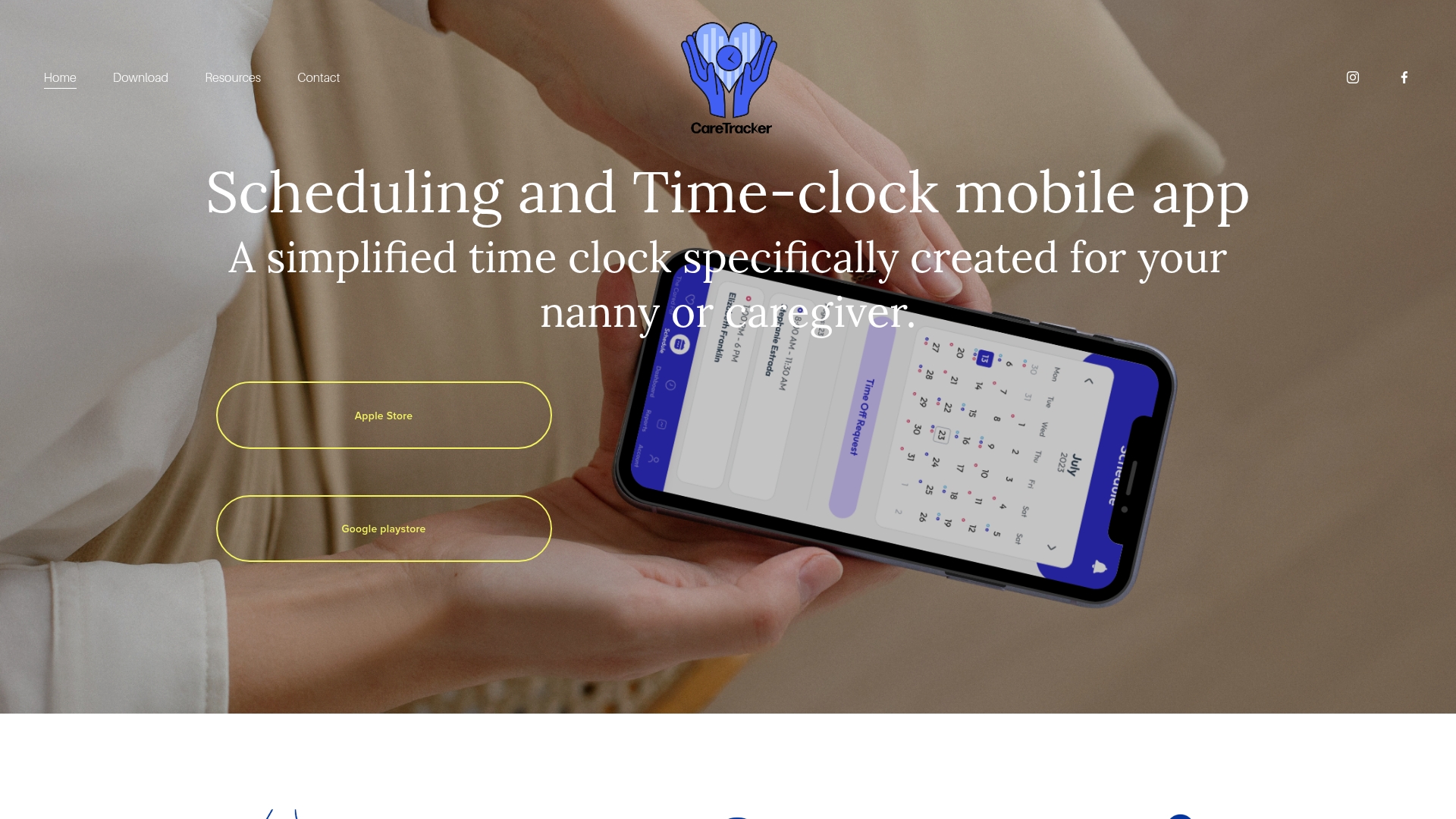
If you employ a nanny or caregiver in your home, the hours on that record also feed your payroll and tax obligations. For help setting that up properly, we offer a Standard Payroll Consultation package for a one-time $150, and a premium consultation at $150 one-off. If earlier wages were never reported, our Prior Wage Reporting and Household Payroll Cleanup Services are on the same page.
FAQ
Should I share my own calendar with my nanny or caregiver?
No. A dedicated household calendar is safer and cleaner, because it shows only the shifts, duties and appointments that concern the caregiver. This keeps your private plans private and spares your caregiver from sharing theirs. Give them access to the household calendar only.
Is there a free app for caregivers to manage a shared schedule?
Yes. Thecaretracker is completely free for caregivers. They can view all their jobs in one calendar, receive and approve schedule requests, get alerts and track weekly hours. Families who hire caregivers can also use it to coordinate, including with more than one caregiver.
What should I leave off a shared caregiver calendar?
Keep diagnoses, medication lists, test results, financial identifiers, passwords and security codes out of shared events, as the Los Angeles household calendar guide advises. Put the schedule on the calendar and the care details in a care profile built for them. This protects privacy while keeping the caregiver informed.
How often should we review the schedule together?
Once a week works well for most households, as Go Au Pair suggests for families with an au pair. Use the review to confirm the coming week, flag conflicts and agree on time off. For a senior's care, also revisit the plan whenever needs change, as the National Institute on Aging recommends.
Who should be allowed to edit the calendar?
One owner, and at most a backup editor, with everyone else on view-only access. The caregiver should be able to see their shifts and respond to requests. Limiting editing prevents conflicting versions of the week.
Sources
- Using Shared Family Calendars with Your Au Pair, Go Au Pair
- Sharing Caregiving Responsibilities, National Institute on Aging
- Shared Household Calendar Setup, Los Angeles
- Shared Calendars for Home Health Management, 2015 study