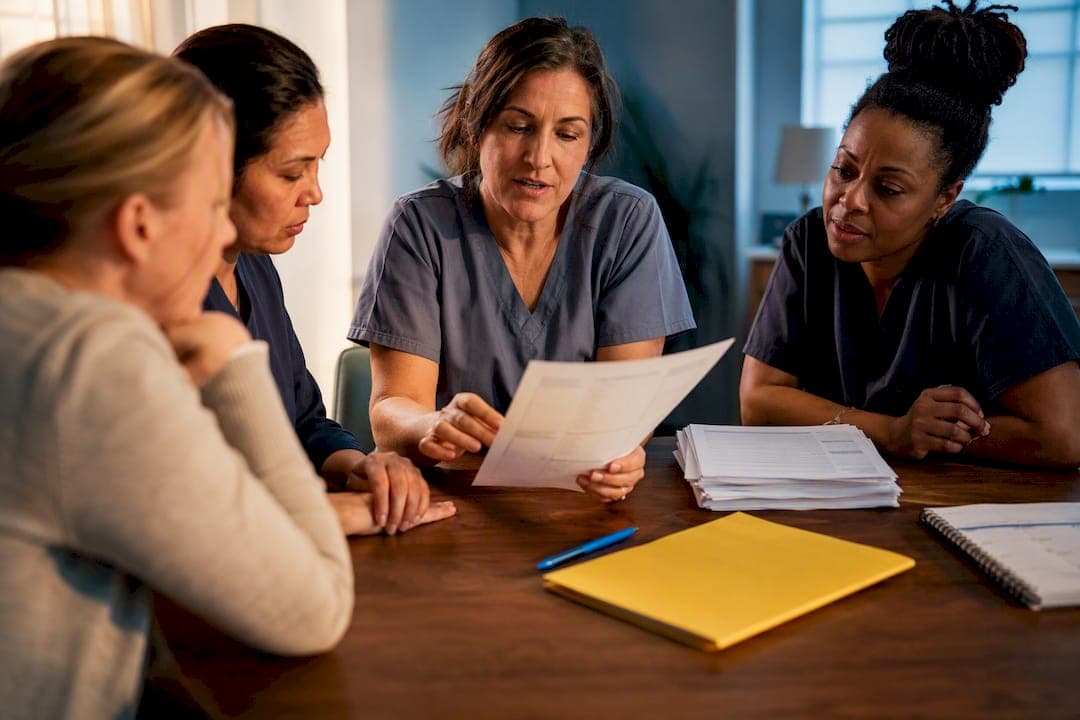
A caregiver report is a short written record of what happened during a shift or day of care, and the fastest way to write one is to grab a template rather than start from a blank page. Use a one-page shift report when you're handing off to another caregiver, and a short daily log when you're summarizing the day for family. Copy the layouts below and start filling them in tonight.
TL;DR:
- Accurate timestamping of all actions ensures clear accountability and helps caregivers identify patterns over time.
- Keeping notes focused on specific observations rather than vague impressions makes reports more actionable for subsequent caregivers.
- Short, consistent reports following a structured template eliminate confusion and prevent information gaps during shift handoffs.
- Using digital tools that automatically timestamp and organize reports improves reliability and reduces the risk of lost or inconsistent documentation.
- Having a single master template stored electronically and updating it weekly promotes uniformity and easy access across multiple caregivers.
Table of Contents
- Caregiver Report Examples: Templates You Can Copy Today
- How to Write a Caregiver Report People Can Actually Use
- Shift Report vs. Daily Log vs. Incident Report
- Three Sample Caregiver Reports You Can Model
- Printable Templates for Short Visits and Multiple Caregivers
- Where Digital Tools Fit Into the Reporting Workflow
- Why Consistency Beats Length in Every Report
- Try Thecaretracker for Templates, Hours, and Shared Reports
- Sources
- FAQ
Caregiver Report Examples: Templates You Can Copy Today
You don't need special software to write a solid report. You need the right fields, in the right order, filled in the same way every time.
A one-page shift handoff should open with four header fields: date, shift time (start and end), caregiver name, and care recipient name. Everything else fits into six short sections underneath:
- How the shift went — one or two sentences, overall tone
- Health and mood — appetite, energy, pain, emotional state
- Tasks done and missed — bathing, meals, exercises, appointments, and anything skipped and why
- Medications — what was given, at what time, and any refusals or side effects
- Incidents — falls, skin changes, confusion spikes, or nothing to report
- Notes for the next caregiver — specific things to watch or follow up on
A daily log covers similar ground but as an ongoing record rather than a handoff: meals and hydration, medications, mobility, mood, and any follow-ups needed. A separate medication log tracks dose, time, and route for every drug given, which matters if a family or nurse needs to reconcile what was actually taken. An incident report is narrower still: what happened, when, who witnessed it, and what action followed.
How to Write a Caregiver Report People Can Actually Use
Vague notes create more work than they save. "Had a good day" tells the next caregiver nothing. "Ate full breakfast at 8:15 AM, walked to the mailbox unassisted, no complaints of pain" tells them everything they need.
- Timestamp everything. Write the time next to each task, not just the shift start.
- Stick to what you observed. "Seemed agitated after the phone call at 2 PM" beats "was in a bad mood," because it names a cause a family member can act on.
- Cap each section at two to four bullets. If a section runs longer, you're probably narrating instead of reporting.
- Flag what didn't happen, and why. "Did not complete leg exercises, client reported knee pain" is more useful than silence.
- Run a 60-second checklist before you leave: meds given and logged, meals recorded, incidents noted, next caregiver's notes written.
Pro Tip: Read your entry out loud before you leave. If it sounds like something you'd tell a nurse over the phone, it's specific enough. If it sounds like a diary entry, tighten it.
Shift Report vs. Daily Log vs. Incident Report
Each document does one job, and mixing them up creates duplicate or missing information.
- Shift report: written once per shift, by the caregiver ending that shift, for the caregiver starting the next one. Lives in a binder, shared drive, or care app at the care site.
- Daily log: an ongoing record kept once per day, often by whichever caregiver worked, meant for the family or care coordinator to review over time rather than hand off mid-shift.
- Incident report: written immediately after a fall, medication error, or safety event, regardless of shift timing, and typically kept separately for legal or insurance review.
Pairing a daily log with a separate shift handoff form keeps each document short and prevents caregivers from re-entering the same information twice.
Three Sample Caregiver Reports You Can Model
Here's a morning shift note that does its job without padding:
Shift: 7:00 AM to 3:00 PM, Caregiver: J. Alvarez, Client: R. Thompson Breakfast eaten in full at 7:45 AM, oatmeal and coffee. Blood pressure medication given at 8:00 AM per schedule, no issues. Assisted with shower and dressing at 9:15 AM, client walked to bathroom with cane, steady. No falls or complaints of pain during shift.
Notice the timestamps on meals and meds, and the specific mobility detail ("walked with cane, steady") instead of a vague "did fine."
An evening shift with a change in condition needs more flags, not more words:
- 6:30 PM: client refused dinner, said "not hungry," offered snack at 8:00 PM, ate half a sandwich
- 7:15 PM: increased confusion, asked for deceased spouse twice, redirected calmly
- 9:00 PM: bedroom door left open per client request, night light on, no fall risk noted otherwise
A short daily summary for family sharing can be three sentences: "Ate breakfast and lunch well, skipped most of dinner. Confusion noticeable in the evening, more than yesterday. No falls, medications given on schedule." That's enough for a family member checking in from work to know what changed.
Printable Templates for Short Visits and Multiple Caregivers
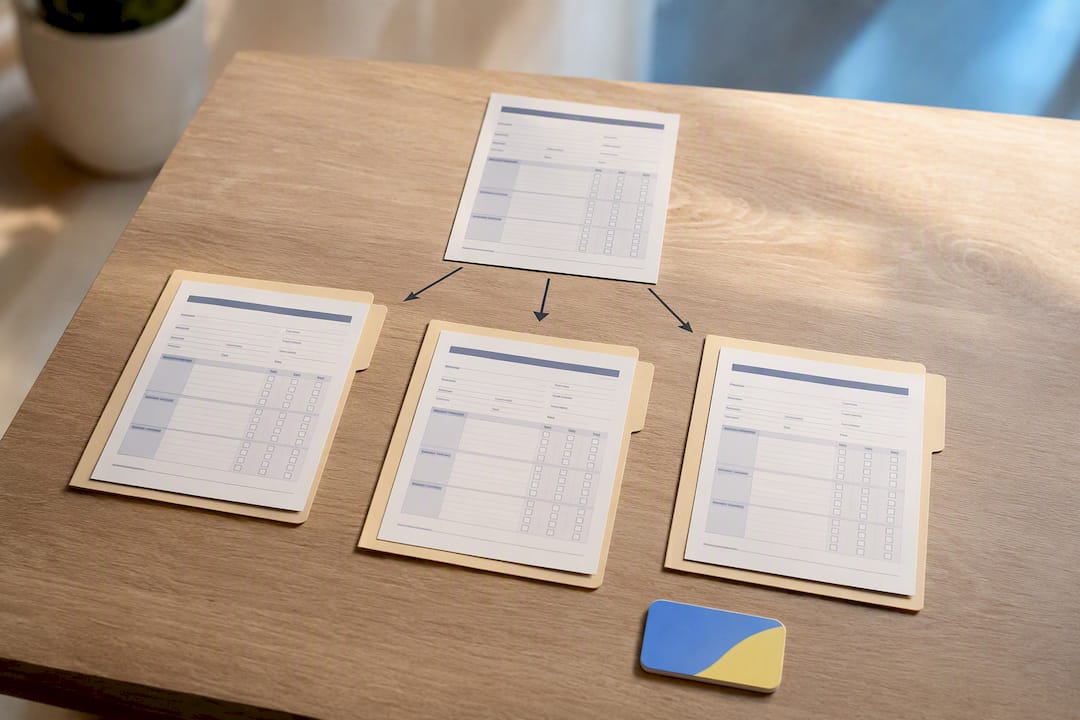
Keep a master version of your one-page template printed or saved as a PDF, and let every caregiver on the case fill in the same layout so entries stay comparable week to week.
For a quick two-hour visit, a full six-section form is overkill. Trim it to three fields: tasks completed, any concerns, and notes for the next visit. That's enough to keep continuity without turning a short visit into paperwork.
When more than one caregiver works the same case, coordination breaks down fastest at shift changes, so store the template somewhere everyone can reach it. A single-page care profile at the top of the binder or folder, listing allergies, medications, and emergency contacts, saves each caregiver from repeating that information in every report.
- Keep one editable Word or PDF master template, not five versions floating around
- Store filled reports in a shared drive, care app, or binder that every caregiver can access
- Export or print a blank copy weekly so no one is scrambling for paper mid-shift
- For families juggling caregivers alongside young children, a milestone tracker can help keep infant care notes just as organized
Where Digital Tools Fit Into the Reporting Workflow
The best workflow is simple: jot quick notes during the shift, finalize them with exact timestamps before you leave, then share with family or a coordinator. Doing all three steps on paper works, but it's easy to lose the paper or forget to date an entry.
A caregiver app closes that gap by timestamping entries automatically and forcing specific fields instead of a blank text box, which cuts down on vague phrasing like "had a rough day." Caregiver apps can keep a calendar of jobs, schedule approvals, and care fields like allergies, medications, and nap or nursing schedules in one place.
- A one-line note like "gave meds" becomes "Metformin 500mg given at 8:02 AM, no side effects noted" once the app prompts for dose, time, and outcome
- Reports tied to a shared calendar mean the next caregiver sees the handoff before they even arrive
Why Consistency Beats Length in Every Report
Short, consistent notes reveal patterns over weeks that a single detailed entry never will, and that pattern is what actually builds a family's trust. A five-minute end-of-shift checklist beats an hour of catching up on missed notes later. Try one template for a week before deciding it's not for you.
— mercedes
Try Thecaretracker for Templates, Hours, and Shared Reports
An app alternative to juggling separate paper binders, group texts, and spreadsheet time sheets offers one place to keep the shift and daily templates covered above, alongside a shared calendar, schedule approval, and hour tracking that stays accurate down to the pay period.

You can log care fields like medications, allergies, and nap or nursing schedules once, then let every caregiver on the case pull from the same profile instead of retyping it into each report. Time worked syncs to the same calendar where schedule requests get approved, so hours and handoff notes live in one searchable place instead of scattered across paper and text threads. Families managing payroll or compliance on top of daily care can also get help through Thecaretracker's payroll consultation service.
Ready to stop rebuilding the same template every shift? Download Thecaretracker and set up your first care profile in a few minutes.
FAQ
What is a good caregiver summary?
A good summary states what happened in specific, timestamped terms: meals eaten, medications given, mobility observed, and mood, rather than general impressions like "had a good day."
Can you give an example of caregiver notes?
"Breakfast eaten in full at 7:45 AM, blood pressure medication given at 8:00 AM, no issues, walked to bathroom with cane at 9:15 AM, steady" is a strong example because every claim is observable and timed.
What does a good review for a caregiver look like?
A strong review names specific behaviors, such as consistent punctuality, clear communication about medication changes, and calm handling of confusion or agitation, rather than a generic compliment.
What are examples of caregiver goals?
Common goals include completing daily logs within the shift instead of after, flagging missed tasks immediately, and keeping notes specific enough that a family member can act on them without follow-up questions.
When should I use a shift report instead of a daily log?
Use a shift report whenever a different caregiver is taking over care, and use a daily log for an ongoing daily record meant for family or a coordinator to review over time.