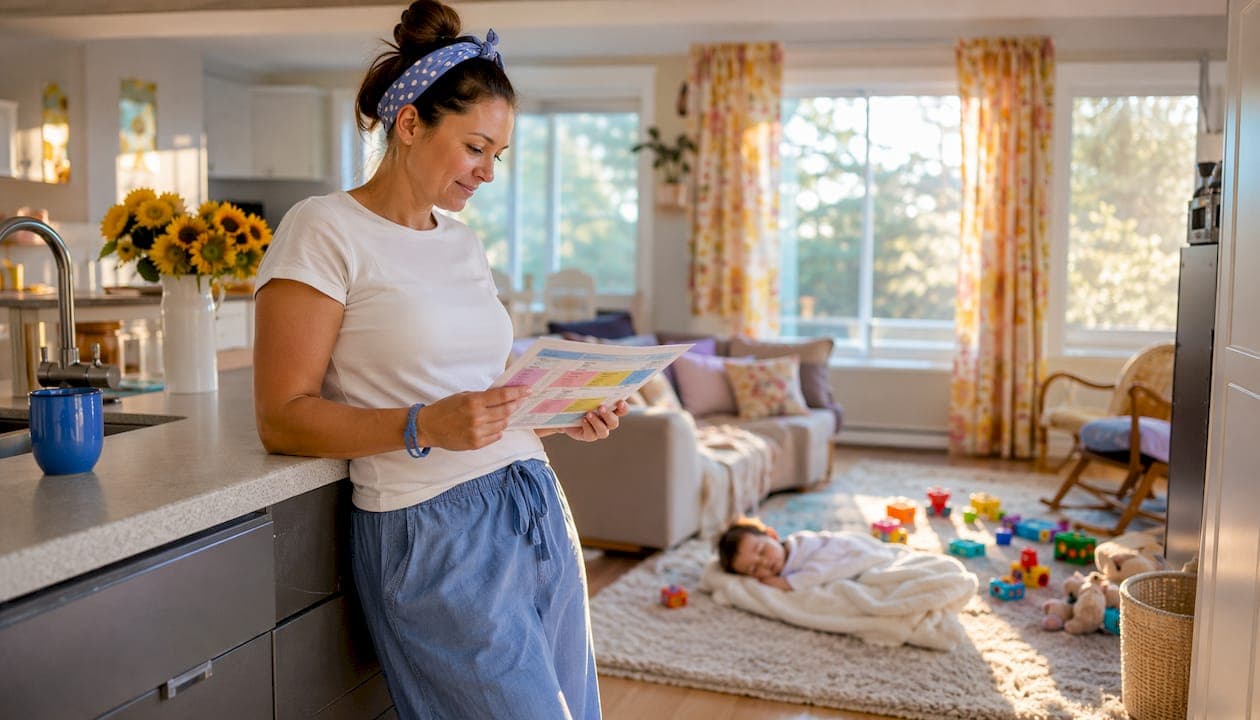
A nanny daily log is the single most reliable way to keep parents informed and maintain care continuity across every shift. Use a simple, timestamped record that captures meals, sleep, diapers or toileting, medications, activities, mood, and household notes. Then choose your format: a printable sheet for low-tech simplicity, an editable Google Doc or Sheet for real-time sharing, or a caregiver app for speed, photos, and a permanent archive.
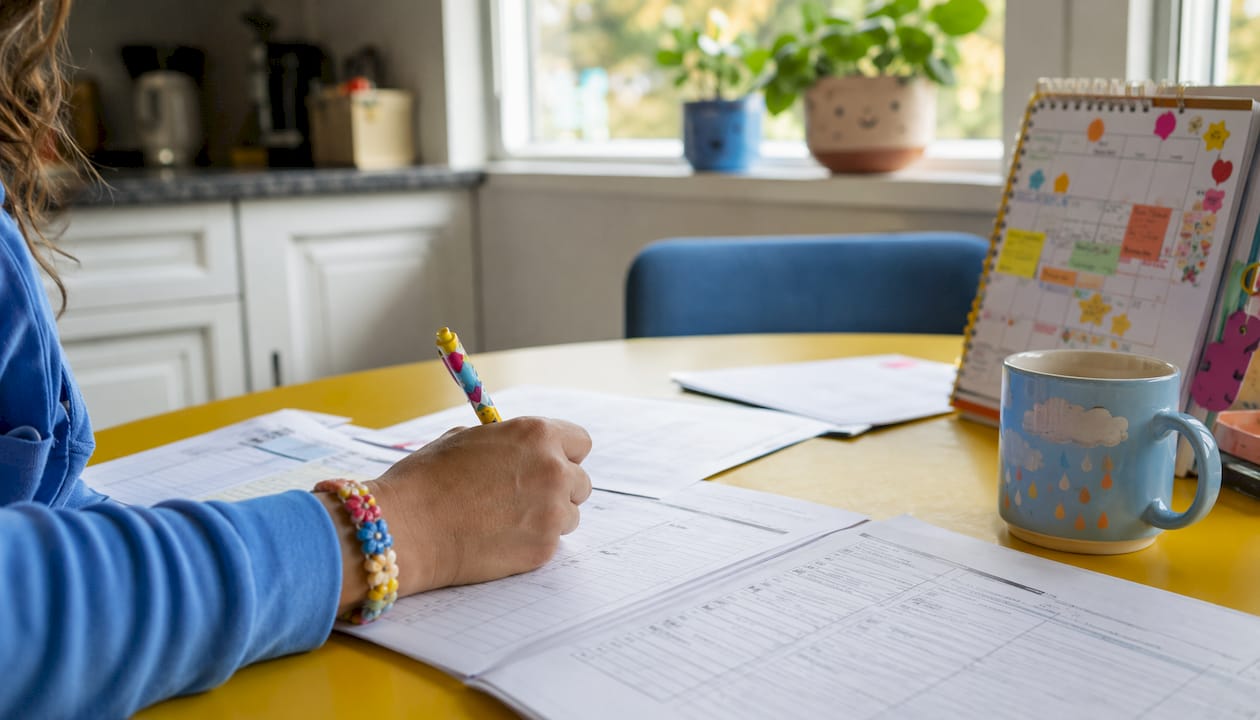
- Printable template: Download a one-page PDF, fill it by hand, and leave it at handoff.
- Editable file: Copy a Google Doc or Sheet, pre-fill recurring fields, and share the link with parents.
- Caregiver app: Sign up for Thecaretracker to get shared reports, time tracking, and secure storage in one place.
Nanny coaches and agency owners describe daily logs as fundamental to care continuity and professional practice. Parents get reassurance; nannies demonstrate accountability; and the record supports health and developmental tracking over time.
Table of Contents
- What should a nanny daily log include?
- How do you keep a nanny daily log: paper, file, or app?
- What nanny log templates can you use right away?
- How does the log change as your child gets older?
- Expert-backed rules for a consistent, professional log
- Key Takeaways
- Why the daily log is worth more than most caregivers realize
- Thecaretracker makes daily reporting easier for caregivers
- Useful sources and template downloads
What should a nanny daily log include?
A complete daily childcare report covers nine core areas. Miss one consistently and parents will ask about it at every pickup.
- Child identity and shift details: child name, date, caregiver name, start and end times, and a signature or confirming checkbox.
- Meals and hydration: time, type (breast milk, formula, or solids), portion size or ounces, and any reactions noticed.
- Sleep and rest: nap start and end times, total duration, and a brief quality note (fell asleep easily, woke twice).
- Diaper changes or bathroom visits: time, wet or soiled, and potty-training notes when relevant.
- Medications and health: medication name, dose, route (oral, topical), and exact time given. Any observed reaction goes here too. Serious symptoms require an immediate call or text, not a log entry.
- Activities and learning: structured play, reading, outings, and a one-line note on what the child engaged with or practiced.
- Mood and behavior: mood markers, any triggers noticed, calming strategies used, and notable social interactions.
- Incidents and injuries: a concise description, the immediate action taken, and confirmation that parents were notified right away.
- Household and supplies: low-stock items (diapers, formula, snacks), small tasks completed, and mileage or expenses if applicable.
Close every log with a short "notes for parents" summary and a timestamp for the final handoff. Logging supplies and household tasks prevents micromanagement and demonstrates proactive household management, which builds long-term professional trust.
How do you keep a nanny daily log: paper, file, or app?
Each format has a real place depending on your household's routine, tech comfort, and need for a searchable history.
| Format | Speed | Real-time sharing | Photo support | Searchable history | Privacy control |
|---|---|---|---|---|---|
| Paper printable | Moderate | No | No | No | Physical only |
| Editable file (Google Docs/Sheets) | Moderate | Yes | Limited | Basic (search in doc) | Shared link settings |
| Caregiver app (e.g., Thecaretracker) | Fast | Yes | Yes | Yes | Permission-based |
Paper printables work well when parents prefer a physical handoff or when tech access is limited. The downside: forms get lost, can't include photos, and don't allow parents real-time access during the day.
Editable files are a practical middle ground. A Google Doc or Sheet is easy to copy, pre-fill with recurring fields, and share via a link. Some families use conditional logic in digital forms to branch by age, and tools like Zapier can automate daily summaries to a parent's email without any manual forwarding.
Caregiver apps offer the fastest reporting, photo attachments, a searchable archive, and built-in time tracking. They're the right call for multi-caregiver households or any family that wants long-term developmental records. Thecaretracker's app features cover schedule requests, medication and allergy records, nap and nursing schedules, and secure caregiver-permission controls, all in one place.
Privacy callout: Agree upfront on who can view the log. Store health information in secured channels, rotate access when caregivers change, and keep logs for an agreed retention period. For families tracking medications or allergies digitally, a family health tracking tool with proper access controls adds an extra layer of data security.
What nanny log templates can you use right away?
Three template types cover the most common household situations.
| Template type | Best for | Key fields |
|---|---|---|
| Infant feeding and sleep sheet | Babies under one year | Bottle/breast time, ounces, diaper log, nap transitions, soothing method |
| Toddler daily activity sheet | Toddlers | Meals, nap window, potty notes, activities, behavior triggers |
| Single-day summary / end-of-shift report | Older children or occasional sitters | Short narrative, checkboxes for meals/sleep/mood, supply notes |
Infant feeding and sleep sheet: Every bottle or nursing session gets its own row with time and ounces. A sample row looks like this: 10:15 AM — bottle, 4 oz formula, finished fully, no spit-up. Diaper changes follow the same row format with a wet/soiled checkbox.
Toddler daily activity sheet: Swap the ounce-by-ounce bottle log for a broader meal section (what was offered, how much eaten), add a potty-training column, and expand the activities field. This template is the right pick once a child is eating solids consistently and napping once a day.
Single-day summary: A short paragraph plus checkboxes. Useful for school-age children where the detail level drops but mood, homework, and after-school activities still matter to parents.
Converting a printable to a shared file: Open Google Docs, recreate the table structure, and share the link with "commenter" or "editor" access. Pre-fill the child's name, caregiver name, and any recurring medications so the nanny only fills in the day's variables. A well-written daily report that includes even one or two photos improves parental engagement noticeably.
How does the log change as your child gets older?
Age shapes what parents actually need to see. Over-reporting for a school-age child wastes time; under-reporting for an infant creates anxiety.
- Infants: Precise bottle or breast times and ounces are the priority, along with every diaper change, soothing methods used, and sleep transitions. Parents of newborns often track feeding patterns with a pediatrician, so accuracy here is clinical, not just reassuring.
- Toddlers: Shift focus to meal acceptance, nap window and duration, potty-training progress, and any behavior triggers or calming strategies. Social interactions and new words or skills are worth a one-line note.
- Preschool age: Activities that support learning take center stage. Note independence markers like dressing, toileting without prompting, and how the child engaged with structured play or reading. Short milestone notes are more useful than a full narrative.
- School age: Keep it brief. Homework status, transportation notes, mood and peer interactions, and any screen-time or after-school activity logs cover what parents need. A single paragraph at handoff is usually enough.
Escalation guidance: Call or text immediately for fever, a serious injury, an allergic reaction, or any incident that required emergency action. Record the same event in the log as a supplement, not a substitute, for direct parent notification. Age-specific customization and immediate notification for serious incidents are the two practices nanny coaches consistently flag as non-negotiable.
Expert-backed rules for a consistent, professional log
Consistency is what turns a daily log from a formality into a genuinely useful tool.
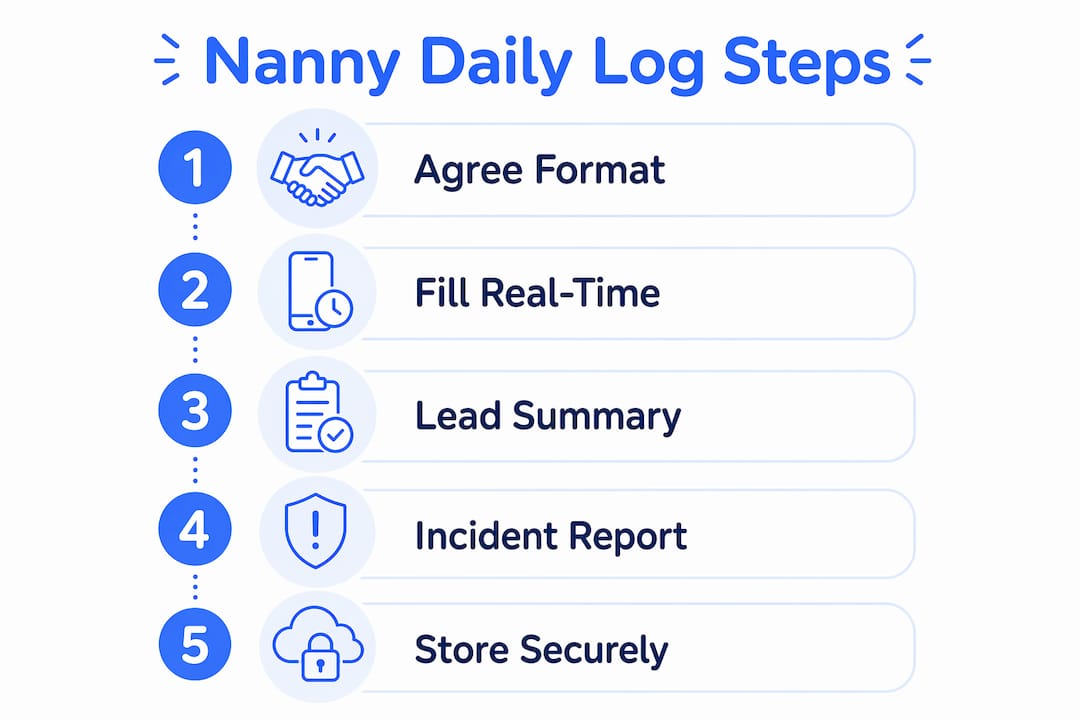
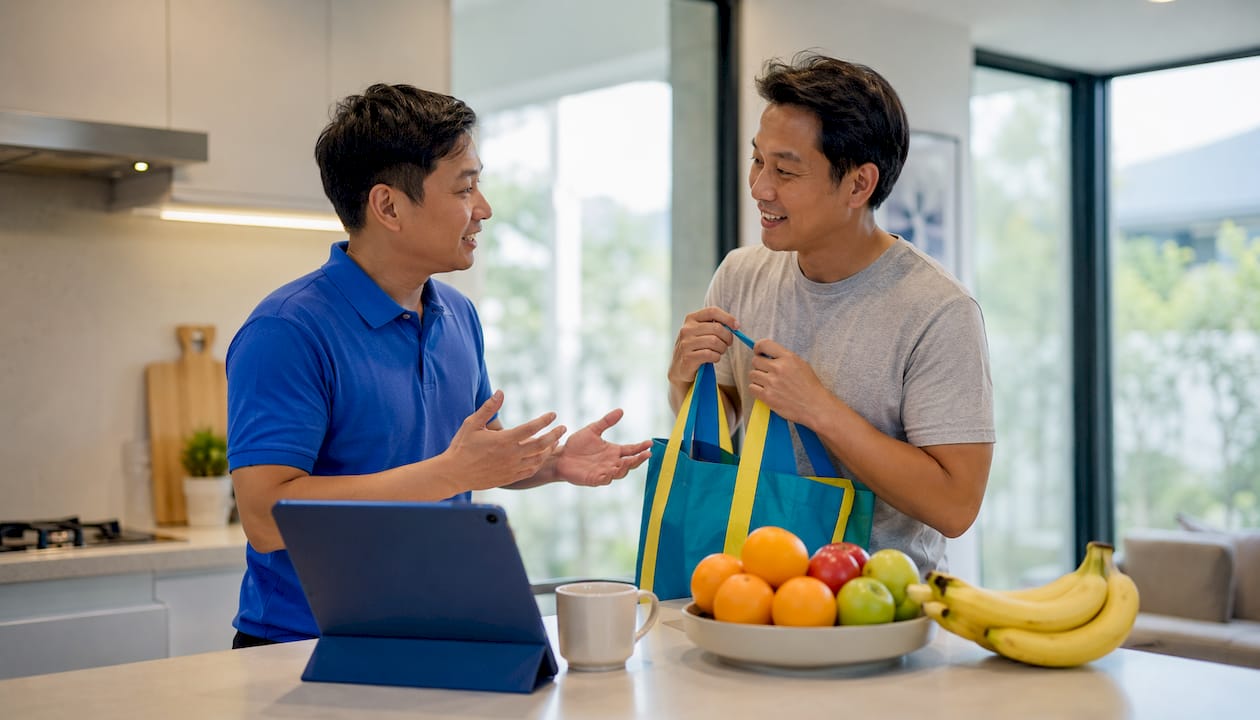
Before the shift: Agree on format and frequency with the family. Nanny consultant Lora Brawley emphasizes that choosing paper or app together makes the log an alignment tool rather than an afterthought. Confirm which events require an immediate call versus an end-of-shift note.
During the shift: Fill timestamps in real time. Reconstructing a nap time two hours later introduces errors that erode trust. Pre-fill recurring fields (child name, caregiver name, standing medications) so the daily variables take under a minute to add.
At handoff: Lead with a summary sentence, flag the top three items (medications given, sleep quality, any concerns), and confirm with a signature or checkbox. Leave follow-up tasks clearly labeled for parents.
Incident reporting: For serious events, phone or text first. Then record the time, what happened, the action taken, and confirmation of parent notification in the log. The log is documentation, not the primary communication channel.
Privacy and storage: Limit personally identifiable health information to secured channels. Rotate access permissions when caregivers change. Agree on a retention period and stick to it.
Pro Tip: Use the non-child-related section to list supply needs and household tasks completed. Nanny coach Stella Reid notes that detailed daily logs reduce rushed verbal debriefs at pickup — and a well-maintained household section shows proactive care that parents notice.
Digital reports typically reduce reporting time significantly compared to paper forms, making logging faster and more efficient with tap-based tools. That efficiency gain is worth factoring in when choosing a system.
Key Takeaways
A consistent nanny daily log, agreed on by both family and caregiver and filled in real time, is the most reliable way to maintain care continuity and build lasting trust.
| Point | Details |
|---|---|
| Agree on format first | Choose printable, shared file, or app together before the first shift to avoid gaps. |
| Record nine core fields | Meals, sleep, diapers, medications, activities, mood, incidents, household notes, and handoff summary. |
| Customize by age | Infants need precise feeding and diaper data; school-age children need brief mood and homework notes. |
| Digital cuts reporting time | App-based tools reduce logging from 5–10 minutes (paper) to about 2–3 minutes per child. |
| Thecaretracker centralizes it all | The free app covers shared daily reports, time tracking, medication records, and secure caregiver permissions. |
Why the daily log is worth more than most caregivers realize
The conventional wisdom treats a daily log as a courtesy for anxious parents. That undersells it. A well-kept nanny activity journal is one of the few tools that protects both sides of the caregiving relationship equally.
For parents, it replaces the rushed five-minute debrief at pickup with a clear, timestamped record they can read on their own time. For nannies, it documents professional conduct and creates a paper trail that matters if a dispute ever arises about what happened during a shift. That dual protection is why experienced caregivers treat the log as a standard practice, not an optional extra.
The other thing most guides miss: the non-child-related section is where professional trust actually gets built. A nanny who notes that diapers are running low and that she wiped down the high chair without being asked is demonstrating household management, not just childcare. Over months, those small entries add up to a record of reliability that no verbal reference can fully replace.
Thecaretracker makes daily reporting easier for caregivers
Printable templates and shared files work, but they require manual effort every single shift. Thecaretracker gives nannies and caregivers a free, purpose-built app that handles daily reporting, time tracking, and family communication in one place, with no paper to lose and no spreadsheet to maintain.

With Thecaretracker, you can log meals, naps, medications, and activities with quick taps, attach photos, and share a timestamped report with parents the moment the shift ends. The app stores allergy and medication records, emergency contacts, and nap and nursing schedules so every caregiver on the household has the same information. Start tracking today by downloading the app for free, then set up your privacy permissions and invite the family to view shared reports.
Useful sources and template downloads
- Care.com: What nannies and sitters need to track for parents — field-by-field guidance and nanny coach recommendations
- Au Pair Bureau: The Caregiver's Daily Log Template — free printable toolkit with infant, toddler, and school-age variants
- Procare: Printable Daycare Daily Report Templates — free downloadable PDF template designed for multiple age groups
- HomeworkSolutions: Sample Nanny Log PDF — a one-page printable with all core fields including expenses and incident notes
- Thecaretracker app features — full feature overview including schedule approvals, medication records, and caregiver permissions
- Thecaretracker time tracking — shift logging and payroll-friendly hour reports for nannies