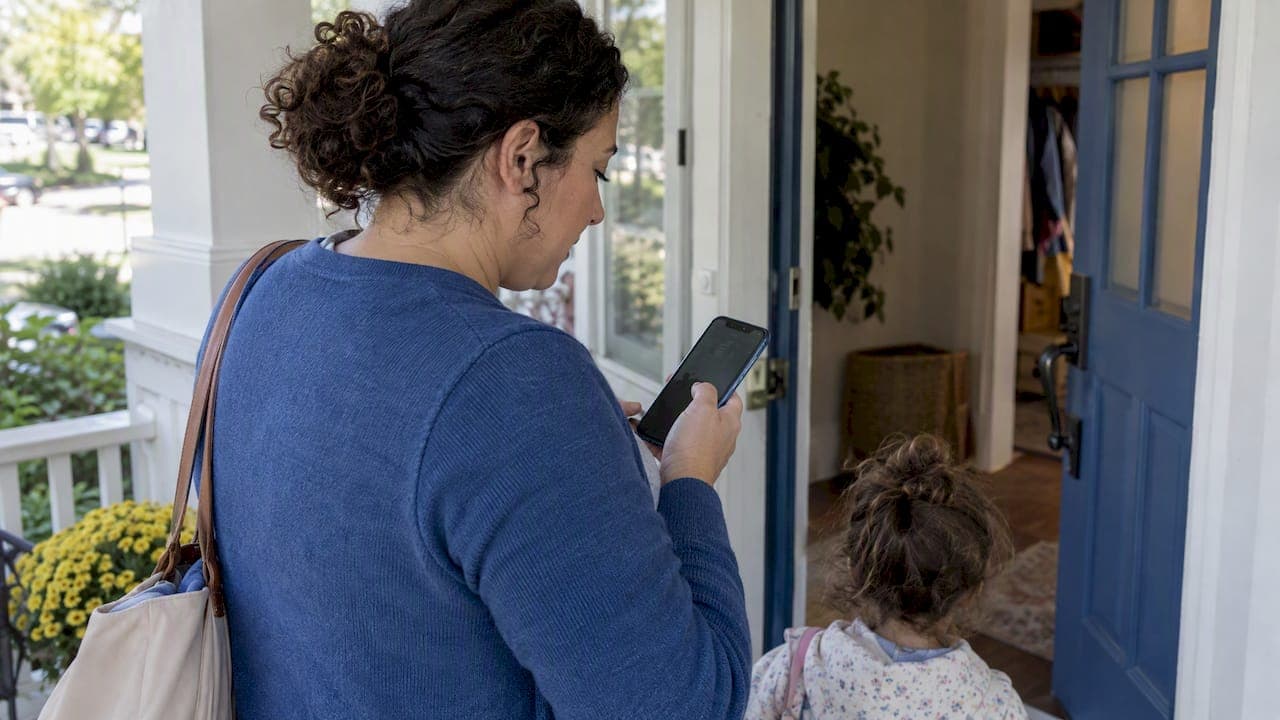
Open the care recipient's profile in the app and look for the emergency contacts section. Viewing those details depends on the permissions the family has granted your account, so if the section looks empty or locked, that is a permissions issue, not missing data. If you cannot see it, message the family directly through the app and ask them to grant view access right away.
TL;DR:
- Being listed as an emergency contact does not grant profile access; request view permission for emergency fields, but call 911 immediately when safety requires it.
- Check for a primary and alternate phone number, physician details, written medical consent, allergy or special needs notes, and the profile’s last updated date.
- Keep emergency contacts separate from authorized pickup names, and review both lists every six months or whenever a contact’s details change.
- In an emergency, address immediate safety, call the primary contact, then the alternate and physician, and record the time of each call or action.
Table of Contents
- Quick checklist: what to check right now
- Confirming you actually have permission to view contacts
- Which emergency-contact fields actually matter
- Best practices families should follow when setting up profiles
- Keeping emergency information private but still accessible
- What to do in the first 10 minutes of an emergency
- An app-first view from someone who has watched this go wrong
- Get emergency contacts in front of you faster with CareTracker
- FAQ
- Sources
Quick checklist: what to check right now
Before an incident ever happens, run through this in under two minutes so you know exactly what you are working with.
- Open the care profile and find the emergency contacts section.
- Confirm each contact has a name, relationship, and at least one primary and one backup phone number.
- Look for a physician or medical provider listed, plus any written consent for emergency medical treatment.
- Check the last-updated date and who made the most recent edit.
- Separate emergency contacts from authorized pickup names. These are not the same list, and treating them as interchangeable can cause real problems.
- If a field is missing or outdated, use the app's messaging feature or call the family directly instead of guessing.
- Carry a minimal, secured printed copy only when you are heading out on an excursion where connectivity might be unreliable, or consider using a family GPS device and app for real-time location monitoring to stay connected securely.
Pro Tip: Screenshot the emergency contacts section before you leave the house for an outing, in case you lose signal later.
Confirming you actually have permission to view contacts
Being listed as someone's emergency contact and having the ability to see that information inside the app are two different things. Several caregiver apps separate caregiving relationship, view permissions, and pickup authorization into distinct settings, so a family can designate you as a contact without automatically opening the full profile to you.
Here is how to confirm and fix your access:
- Check your role or permission level in the app settings to see whether it includes "view emergency fields."
- If you are unsure, send a timestamped message to the family asking them to confirm or grant view access specifically.
- Use the app's built-in permission-request feature if one exists, rather than relying on a verbal agreement.
- If something urgent comes up and the family is unreachable, follow the app's escalation guidance, and call emergency services if the situation requires it. Do not wait on permissions when a child's safety is at stake.
Which emergency-contact fields actually matter
A usable emergency contact entry needs more than a name and a phone number. At minimum, look for: contact name and relationship, a primary and an alternate phone number, physician or medical provider details, written consent for emergency medical care, notes on allergies or special needs, and an insurance or policy number.

Each of these fields earns its place. EMS responders often need physician information and consent details immediately, and an alternate number matters when the first contact does not answer. Requirements vary by location: Pennsylvania's childcare code requires physician information, written consent for emergency medical care, and updates at least every six months. Virginia's regulations require at least one alternate contact along with healthcare provider details and written authorization.
Caregivers and teachers should collect names, addresses, and telephone numbers of adults authorized to pick up a child and review that list with guardians regularly, according to federal childcare guidance. That review habit matters just as much for emergency contacts as it does for pickup lists, since outdated numbers are useless in a crisis.
Best practices families should follow when setting up profiles
Families control the setup, and a few habits make the difference between a profile that works under pressure and one that does not.
- Keep emergency contacts and authorized pickup persons as separate entries, since a contact may be fine to call but not authorized to take a child home.
- Grant caregivers a role limited to viewing emergency fields rather than full profile access, unless broader access is genuinely needed.
- Include physician details, written medical consent, and any allergy or special-needs notes directly in the profile.
- Set a review reminder for every six months or whenever something changes, matching the update cadence Pennsylvania requires and the annual review New Hampshire mandates.
- For sensitive medical details, request a signed HIPAA or authorization form rather than relying on a casual text message.
Pro Tip: Put a recurring reminder on your own calendar to review the care profile with the family twice a year, not just when something feels urgent.
Keeping emergency information private but still accessible
Speed and privacy are not opposites here. A few simple controls protect everyone without slowing down an emergency response.
- Use role-based or field-level permissions so caregivers see emergency fields without browsing unrelated family documents.
- Turn on secure sign-in and device locks, and avoid taking unencrypted screenshots of sensitive information.
- Follow guidance on locking accounts and obtaining signed HIPAA forms before sharing anything beyond the basics.
- If you carry a printed copy for an outing, keep it minimal, secured, and destroyed once it is no longer needed.
- When something feels excessive, ask the family to redact nonessential private details from your view rather than assuming you need everything.
What to do in the first 10 minutes of an emergency
Acting fast with the right information beats improvising.
- Address immediate safety first, and call 911 if the situation requires it.
- Open the care profile and call the primary emergency contact. If there is no answer, move to the alternate, then the physician.
- Read any medical consent or special-needs notes aloud to EMS as soon as they arrive.
- Note the time of each call and action, either in the app or on a dated note, so the family has a clear record afterward.
- If you cannot access the records at all, call the family's main number and tell EMS that in-app information exists but is currently unavailable to you.
Pro Tip: Memorize the order: safety, primary contact, alternate, physician. Under stress, having a fixed sequence beats trying to remember everything at once.
An app-first view from someone who has watched this go wrong
Speed matters more than anything else in the first minutes of a scare, and clarity is what makes speed possible. A caregiver app that keeps allergies, medications, and emergency contacts in one profile, the way the CareTracker app does, removes the guesswork that paper folders and scattered text threads create. The blog's guidance on caregiver data privacy reflects a real tension in this work: families want information shared fast, but only with the people who need it. Getting that balance right is worth taking seriously, not treating as an afterthought.
— mercedes
Get emergency contacts in front of you faster with CareTracker
We built the care profile inside CareTracker so caregivers never have to dig through old texts or paper folders during a scare. Once a family grants view access, the emergency contacts section sits alongside allergies, medications, and daily routines, so you check one place instead of multiple.

- View emergency contacts, physician details, and medical notes the moment a family grants access.
- See your job calendar and schedule requests without switching apps.
- Track your hours while keeping care details one tap away.
These features map directly to the checklist and emergency steps above: the same profile you check in a calm moment is the one you rely on under pressure. Families managing caregivers can also get help with payroll setup through our payroll consultation service, priced at $150. If you are a caregiver, download CareTracker and ask the family to set up your profile access today.
FAQ
What is the difference between an emergency contact and an authorized pickup?
An emergency contact is someone to call in a crisis, while an authorized pickup is someone cleared to take the child or care recipient home. Federal childcare guidance treats these as separate records, and caregivers should never assume one role covers the other.
How often should families update emergency contact information?
Families should review and update emergency contacts at least every six months or whenever something changes, a cadence Pennsylvania's childcare code requires and New Hampshire mirrors with an annual review rule. Stale numbers are one of the most common reasons emergency contact lists fail when they are needed.
What should I do if I cannot see emergency contacts in the app?
Message the family directly and ask them to grant you view access to the emergency fields, since being listed as a contact does not always come with automatic profile visibility. If the situation is urgent and the family is unreachable, call emergency services first and explain that records exist but are currently inaccessible to you.
What if the emergency contact does not answer?
Move down the list to the next alternate number, then try the physician listed on the profile. Note the time of each attempt, either in the app or on a dated note, so the family has a clear record of what happened and when.
Does CareTracker cost anything for caregivers to use?
No, the core CareTracker app is free for nannies and caregivers, including access to care profiles, scheduling, and hour tracking. Paid services like the payroll consultation package are built for household employers, not for caregivers using the app day to day.
Sources
- 9.2.4.8 Authorized Persons to Pick Up Child | Child Care Technical Assistance Network
- 55 Pa. Code § 3270.124. Emergency contact information.
- 8VAC20-790-190. Children's information.
- N.H. Admin. Code § He-C 4002.10 - Child Record Requirements