
An overtime alert is a warning that fires before your nanny's weekly hours cross the point where overtime pay starts, so you can adjust the schedule or budget for it. Under federal law, that point is 40 hours in a workweek. To set one up, you need three things: a fixed workweek, accurate daily hours, and a threshold set below 40 so you get notice while there is still time to act. This guide walks through each, with a worked pay example and a look at what a caregiver overtime report should show.
TL;DR
- Federal law requires overtime at 1.5 times the regular rate for hours over 40 in a workweek for most nannies and caregivers. Live-in workers may be exempt from federal overtime, but not from minimum wage. Source: DOL
- Each workweek stands alone. You cannot average or "bank" hours across weeks to avoid overtime.
- Set your alert below 40 hours (for example at 35) and track hours daily, not at the end of the week.
- Keep daily and weekly hour records for at least three years. A clear overtime report makes payroll checks quick.
- Your state or city may add its own rules, so check local requirements as well.
Table of Contents
- 1. What an overtime alert does for a household
- 2. When overtime applies to a nanny or caregiver
- 3. Start with a fixed workweek
- 4. Why you cannot bank or average hours
- 5. How to set the alert threshold
- 6. What counts as hours worked
- 7. A worked example: one overtime week
- 8. What a caregiver overtime report should show
- 9. Records to keep, and for how long
- 10. Our perspective
- 11. How Caretracker supports overtime tracking
- 12. A simple weekly routine
- FAQ
- Sources
1. What an overtime alert does for a household
Most families do not plan to owe overtime. It builds up quietly: a parent runs late on Tuesday, a school closes on Thursday, a date night runs long on Saturday. By Friday the nanny has worked 43 hours, and nobody noticed until payday.
An alert closes that gap. Instead of finding out after the week ends, you see the running total while you can still shift a start time, ask a second caregiver to cover, or simply plan the extra pay. That is the real value: no surprises for you, and no short-changed hours for your nanny.
This matters for trust too. When both sides can see the same numbers, there is less room for disagreement. Your nanny knows her time is counted. You know what the next paycheck will be.
2. When overtime applies to a nanny or caregiver
Under the Fair Labor Standards Act, domestic service workers, including nannies and caregivers, must be paid at least the federal minimum wage of $7.25 per hour for all hours worked. They must also receive overtime at one and a half times the regular rate for hours over 40 in a workweek, unless an exemption applies. The U.S. Department of Labor fact sheet on domestic service workers lays this out.
The same source notes that domestic workers who live in the employer's home and are employed directly by the household may be exempt from federal overtime, though they must still receive minimum wage. Exemptions depend on the exact situation, so a live-in arrangement is worth confirming against the official guidance.
Federal law is the floor. Some states and cities add rules on overtime, minimum wage or pay statements. Our guide to nanny overtime by state is a good next stop, and the official labor department in your state has the final word.

3. Start with a fixed workweek
An alert is only as good as the week it counts. The Department of Labor defines a workweek as a period of 168 hours, made up of seven consecutive 24-hour periods. According to its Handy Reference Guide to the FLSA, it can begin on any day and at any hour the employer sets.
So the first step is to pick one and write it down. Many families choose Sunday at 12:00 a.m. or Monday at 12:00 a.m. Others pick a day that matches the parents' work calendar. Whatever you choose:
- Put the start day and time in your written work agreement.
- Use the same workweek every week.
- Set your tracking tool and your alerts to match it.
A department opinion letter adds one caution: a change in the workweek must be permanent and not made to avoid overtime. See the DOL opinion letter on workweek changes. Choose once and keep it.
4. Why you cannot bank or average hours
A common idea is to let a nanny work 45 hours one week and 35 the next, then pay straight time for both. It sounds fair, but it does not work for non-exempt employees. The same DOL opinion letter explains that federal regulations prohibit averaging hours over a two-week pay period to offset one workweek against another.
The department's overview of the FLSA for care workers says the same thing in plain terms: overtime compliance is determined by the workweek, and each workweek stands alone.
This is the main reason weekly alerts beat end-of-month reviews. If you only look at hours every two weeks, you may see an overage that is already locked in.
5. How to set the alert threshold
A good alert gives you enough time to change something. We suggest two levels. These are practical suggestions, not legal requirements:
| Alert level | Example trigger | What you can do |
|---|---|---|
| Early heads-up | 30 hours worked by midweek | Check the rest of the week's schedule against your plan |
| Warning | 35 hours worked | Decide whether to shorten shifts or approve the extra time |
| Overtime reached | 40 hours worked | Any further hours are paid at 1.5 times the regular rate |
Adjust the numbers to your nanny's normal schedule. A nanny who usually works 38 hours needs a tighter margin than one who usually works 25.
A few things make alerts more reliable:
- Count daily, not weekly. Hours need to be logged when they happen. Reconstructing a week from memory on Friday defeats the purpose.
- Include early arrivals and late returns. Ten minutes at each end of the day adds up to nearly an hour across a week.
- Decide how you will treat travel and overnight work. Write the rules into your agreement before they come up.
- Treat on-call time carefully. If a worker must stay available or on site, that time may count as work.
6. What counts as hours worked
The Department of Labor's Home Care Guide says any timekeeping method that accurately tracks work time each day is acceptable. A calendar showing start, stop and meal times works, and so does a timesheet. Its sample employment agreement for nannies also covers on-call hours and a break table that sets out meal and rest periods and whether they are paid.
If a meal, sleep or off-duty period is interrupted by a call to duty, the DOL's fact sheet on live-in domestic workers says the interruption counts as hours worked. It also says the employer must still track and record all hours worked, whatever the two sides have agreed.
In practice, that points to a few habits:
- Agree up front on paid and unpaid breaks, and write them down.
- Record every start and stop time, including unscheduled ones.
- Log interruptions during overnight care the same day.
If you want a ready-made format, our nanny timesheet template covers the basics.
7. A worked example: one overtime week
Here is how the numbers work. The Department of Labor's formula is: regular rate equals total compensation divided by total hours worked. The half-time rate is the regular rate times 0.5. Overtime pay due is the half-time rate times overtime hours. Total wages are the overtime pay plus straight-time pay. The formula appears in the DOL's FLSA overview for care workers.
Say your nanny earns $25 an hour and works 48 hours in one workweek.
- Straight-time pay for all 48 hours: 48 × $25 = $1,200
- Half-time rate: $25 × 0.5 = $12.50
- Overtime hours: 48 − 40 = 8
- Overtime pay due: 8 × $12.50 = $100
- Total wages: $1,200 + $100 = $1,300
The same result comes from paying 40 hours at $25 ($1,000) and 8 hours at $37.50 ($300). The overtime in that single week costs $100 more than straight time would have. Seeing that number at 35 hours, instead of on Friday evening, is what an alert is for.
If your nanny is paid a flat weekly salary, the calculation changes, because the regular rate comes from total pay divided by hours worked. That is a good reason to talk with a payroll professional before setting up a salary arrangement.

8. What a caregiver overtime report should show
An alert warns you during the week. A report helps you check it afterward. A useful caregiver overtime report lines up with what a pay stub needs to show. One summary of pay stub contents, from LegalClarity's nanny pay stub guide, lists these items:
- Employer and employee information
- Pay period dates and the pay date
- Regular hours and overtime hours, shown separately
- Regular and overtime pay rates
- Gross pay, itemized deductions and net pay
- Year-to-date totals
Some states set specific requirements. New York State requires a written statement with every payment of wages to a domestic worker. For non-exempt employees, the New York wage statement guidelines (LS45) say it must include the regular hourly rate, overtime rate, regular hours and overtime hours.
Massachusetts goes further on timesheets. Under the state Notice of Rights for Domestic Workers, employers keep payroll records for three years and provide a paystub showing hours worked each day. If the worker works 16 or more hours a week, the employer also provides a timesheet at least every two weeks, signed or acknowledged by both parties. The same notice says a worker who disagrees with the hours listed may note the hours they believe they worked. Signing does not give up a later claim for wages owed.
The takeaway for families is simple: a report that shows daily hours, weekly totals and the split between regular and overtime hours is the report that stands up to a payroll check or a disagreement.
9. Records to keep, and for how long
Household employers have recordkeeping duties. The DOL's recordkeeping fact sheet for domestic service lists what to keep:
- Your employee's full name and Social Security number
- Home address, including zip code
- Hours worked each workday and total hours each workweek
- Total cash wages paid each week
- Weekly sums claimed for board or lodging
- Extra pay for hours over 40
Keep these records for at least three years, and keep records used to compute pay for two years. For live-in workers, keep a copy of any agreement about meal, sleep and off-duty time.
If you are building your household payroll process from scratch, a payroll compliance checklist can help you confirm nothing is missed before your first pay run.
10. Our perspective
We built Caretracker around a simple belief: accurate time tracking protects everyone in the home. When hours are logged as they happen, families know what to expect on payday, and caregivers know their work is counted.
Overtime problems rarely come from bad intent. They come from scattered records: a text message here, a note on the fridge there. Our app is designed to keep a caregiver's weekly hours in one place, with schedule requests, a unified calendar, alerts and support for state-specific pay period and overtime tracking.
We also think the tool should not cost the caregiver anything. Caregivers use the core app for free. That lets nannies, au pairs and caregivers record their hours honestly, and lets families see the same numbers.
For families who also need help with payroll rules, we offer one-time consultations. The point is the same: more clarity, less guessing, and peace of mind for both sides.
mercedes
11. How Caretracker supports overtime tracking
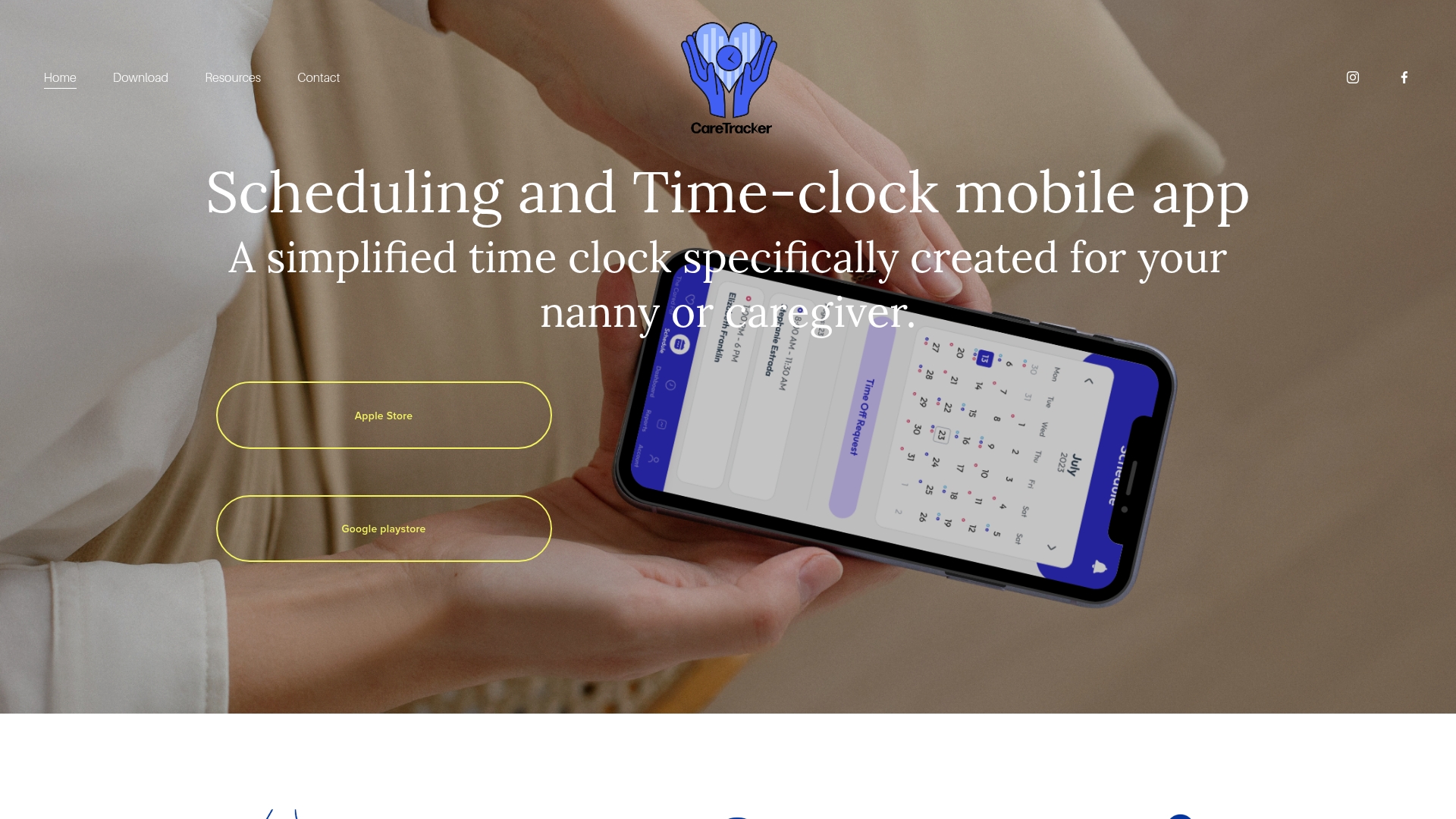
If you want hours, schedules and care details in one place, Caretracker is a free mobile app for caregivers. Your nanny can track weekly hours, see all her jobs in one calendar, receive and approve schedule requests, and submit time-off and reimbursement requests. The app is also designed to support state-specific pay period and overtime tracking, and to produce flexible reports you can use when you review payroll.
Some households need more than a tracker. If your records are incomplete, or you are unsure how to handle past wages, our Premium consultation and household payroll cleanup services are built for that. The Standard Payroll Consultation package is $150 one-off. The Premium consultation is also $150 one-off. Prior wage reporting and cleanup services have no published price.
To see how the time clock works day to day, read about nanny time tracking. For a deeper look at the rules, see our guide to nanny overtime rules and time tracking fixes.
12. A simple weekly routine
An alert works best inside a routine. Here is one that takes about five minutes a week:
- Monday: Confirm the week's schedule and the workweek start. Note any known late nights or travel.
- Midweek: Check the running total against your early alert. If the schedule is heavy, decide now what to adjust.
- Friday: Review daily entries for gaps or errors. Ask your nanny to confirm them.
- Payday: Compare the report with the pay stub. Regular and overtime hours should appear separately.
- Monthly: File the reports where you can find them. Remember the three-year rule.
If your family also uses shared calendars, our comparison of family calendar apps for nannies shows how to keep schedules and hours aligned. For multi-day planning, the caregiver scheduling guide helps.
FAQ
Does my nanny get overtime after 40 hours a week?
In most cases, yes. Federal law requires overtime at 1.5 times the regular rate for hours over 40 in a workweek for domestic workers, unless an exemption applies. Live-in workers may be exempt from federal overtime, and your state may have different rules, so check both.
Can I give my nanny time off later to make up for overtime?
Not for non-exempt employees. The Department of Labor says hours cannot be averaged across workweeks to offset overtime, because each workweek stands alone. If you want to reduce overtime, change the schedule within the same workweek.
How do I track nanny overtime without a spreadsheet?
Use any method that records start, stop and meal times accurately each day. The Department of Labor accepts a calendar or timesheet for this. A mobile app such as Caretracker keeps weekly hours in one place and is designed to support overtime tracking.
What should a caregiver overtime report include?
It should show daily hours, weekly totals, and regular and overtime hours separately, along with the pay rates and the period covered. Some states require this on the wage statement itself, as New York does, so check your state's rules.
Sources
- DOL Fact Sheet #79B: Live-in Domestic Service Workers
- DOL Fact Sheet #79C: Recordkeeping Requirements for Domestic Service
- DOL Handy Reference Guide to the FLSA
- DOL Overview of the FLSA for care workers
- DOL Opinion Letter, July 21, 1997
- DOL Home Care Guide: Paying Minimum Wage and Overtime to Home Care Workers
- New York State Department of Labor, Wage Statement Guidelines (LS45)
- Massachusetts Attorney General, Notice of Rights for Domestic Workers
- LegalClarity, Nanny Pay Stub Template