
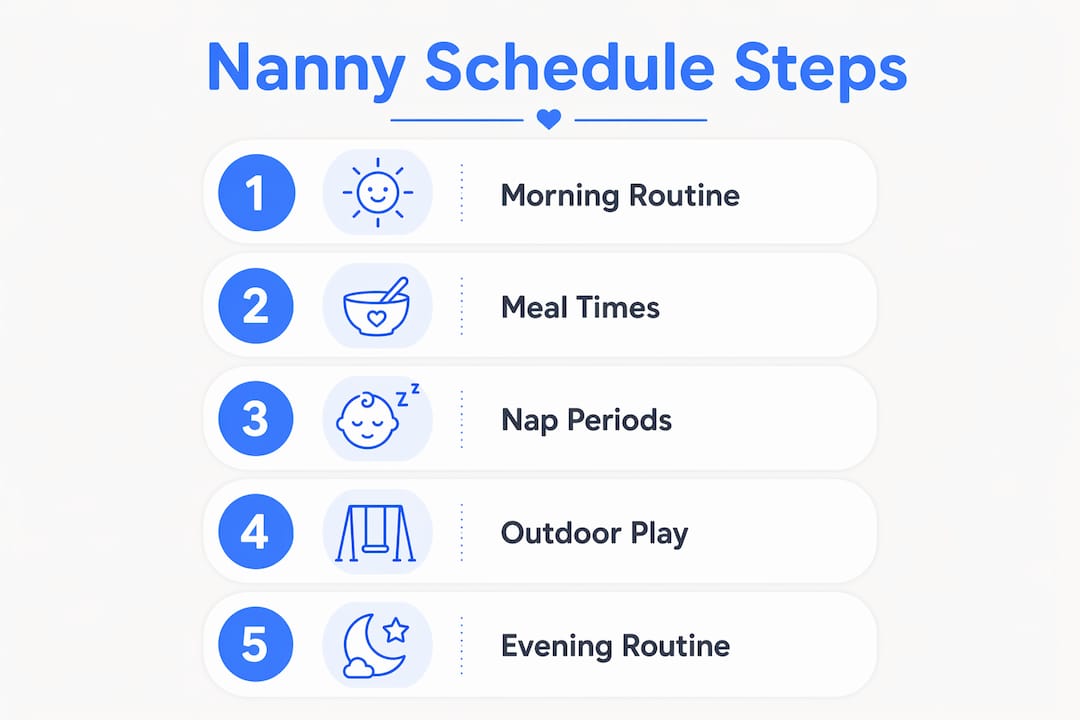
A nanny schedule template is a structured daily plan that organizes caregiving tasks, child routines, and household responsibilities into one clear, accessible document. Done well, it removes guesswork from the day and gives both you and the family you work for a shared understanding of what happens, when, and how. The best versions go beyond a printed sheet on the fridge. They live on your phone, update in real time, and travel with you from job to job.
An effective childcare schedule template typically covers:
- Morning and evening routines (wake-up, hygiene, bedtime wind-down)
- Meal and nursing schedules with timing and portion notes
- Nap times and rest periods aligned to the child's current developmental stage
- Outdoor play and structured activities scheduled around energy levels
- Household duties relevant to the caregiver's role
- Emergency contacts, allergies, and medical instructions accessible at a glance
When you pair this structure with a mobile app, the template stops being a static document and becomes a two-way communication tool. Families can push updates, you can log real-time observations, and nothing falls through the cracks.
Table of Contents
- What does a nanny schedule template need to include?
- Why should nannies help create the schedule?
- How do mobile apps improve nanny schedule management?
- How do you keep a nanny schedule flexible and current?
- Sample formats compatible with Google Sheets, Excel, and scheduling apps
- Thecaretracker gives you a free, professional-grade scheduling tool
- Key Takeaways
What does a nanny schedule template need to include?
A standard nanny schedule covers morning and evening routines, meal and nursing times, nap periods, outdoor play, household duties, and emergency contacts. That list is the baseline. What separates a good template from a great one is how well it accounts for the specific child in front of you.
Morning and evening routines
Morning routines set the tone for the whole day. A clear sequence, from wake-up through breakfast and getting dressed, reduces transitions that can frustrate young children. Evening routines work the same way in reverse: bath, quiet play, feeding, and sleep cues all benefit from consistency.
Meal and nursing schedules
For infants, nursing or bottle times are the backbone of the entire day. For toddlers and older children, meal timing affects mood, energy, and nap readiness. Your template should note not just the time but also any allergy or dietary restrictions that apply, so a substitute caregiver can step in without risk.
Nap times built around wake windows
Rigid clock-based nap schedules often backfire. Scheduling around wake windows rather than fixed times reduces caregiver burnout and supports healthier sleep patterns. A wake window is simply the amount of time a child can comfortably stay awake before needing rest. For a four-month-old, that window is roughly 90 minutes. For a two-year-old, it stretches to five or six hours. Building nap entries around these windows rather than a fixed "1:00 PM nap" gives you flexibility without losing structure.
Outdoor play and activities
Structured outdoor time and free play are not optional extras. Physical activity supports development, and a predictable activity block gives children something to look forward to. Your nanny schedule planner should include a time block for this, with notes on preferred activities or any safety considerations for the outdoor space.
Special care instructions
This is where customization matters most. A child with a peanut allergy, a medication schedule, or a sensory sensitivity needs those details embedded directly in the template, not stored in a separate document that may not be at hand. Include:
- Known allergies and reaction protocols
- Medication names, doses, and timing
- Behavioral or developmental notes relevant to daily care
- Physician or specialist contact information
Why should nannies help create the schedule?
Involving you in schedule creation is not just a courtesy. It directly affects how well the plan works in practice. When a family builds a nanny work hours schedule without caregiver input, the timing is often unrealistic. Tasks get stacked too close together, nap windows don't account for actual transition time, and the workload doesn't reflect what one person can reasonably manage.
Collaboration produces better outcomes on both sides:
- Realistic timing: You know how long it actually takes to prepare a bottle, settle a toddler, and clean up after lunch.
- Clear expectations: Agreed-upon duties reduce the ambiguity that leads to pay disputes or frustration.
- Higher care quality: When you understand the reasoning behind a routine, you can adapt it thoughtfully when the child is having an off day.
- Job satisfaction: Caregivers who have a voice in their schedule report stronger working relationships with families.
Schedules also need to evolve. A routine that works perfectly for a six-month-old will need significant revision by the time that child is walking and eating solid foods. Treating the daily nanny schedule as a living document, one that both parties revisit regularly, keeps it accurate and useful. Mobile platforms make this kind of ongoing collaboration practical. Instead of a phone call to discuss a schedule change, you can review and approve updates directly from your phone.
How do mobile apps improve nanny schedule management?
Mobile apps move the nanny shift schedule from a piece of paper to a dynamic, always-current tool. The practical difference is significant. A printed schedule can't notify you of a change. An app can.
Key benefits of managing your schedule through a mobile app:
- Real-time updates: Families can adjust the day's plan and you see it immediately.
- Shift clock-in and clock-out: One-tap time tracking creates an accurate record of your hours, which matters for transparent, timely payment.
- Instant access to care details: Allergies, medications, and emergency contacts are available the moment you need them, not buried in a folder at home.
- Incident documentation: Logging a bump or a behavioral concern in the app creates a timestamped record that protects you and keeps parents informed.
- Messaging and updates: Direct communication with the family without interrupting your day.
Pro Tip: Clock in and out every shift, even for families you've worked with for years. A clear hourly tracking record protects you if a pay question ever comes up and builds the kind of professional trust that leads to long-term placements.
Thecaretracker is built specifically for this. The app lets you receive and approve schedule requests, view all your jobs in a single calendar, track weekly hours accurately, and access critical care information like allergies, medications, nap schedules, and emergency contacts in one place. It's completely free for caregivers, which removes the barrier that keeps many professionals working off paper or text messages.
How do you keep a nanny schedule flexible and current?
A nanny timetable printable is a starting point, not a finished product. Children change fast. A schedule that fits a child's needs in January may feel completely wrong by March. The goal is a structure that holds the day together while leaving room for real life.
Practical ways to keep your schedule current:
- Review it monthly with the family, or sooner when a child hits a developmental milestone.
- Use wake windows as your guide for nap timing rather than locking in a fixed clock time.
- Note observations in your app as they happen. If a child consistently resists the 2:00 PM nap, that's data worth sharing.
- Build buffer time between activities. Back-to-back transitions are where schedules fall apart.
- Flag changes immediately rather than waiting for a scheduled check-in. Mobile messaging makes this easy.
The shift from a static childcare schedule template to a mobile-managed one changes how you and the family communicate. Updates become a normal part of the workflow rather than a disruption. That consistency is good for the child, good for the family, and good for your professional reputation.
Sample formats compatible with Google Sheets, Excel, and scheduling apps
A nanny schedule planner doesn't need to be complicated to be effective. The format you choose should match how you actually work.
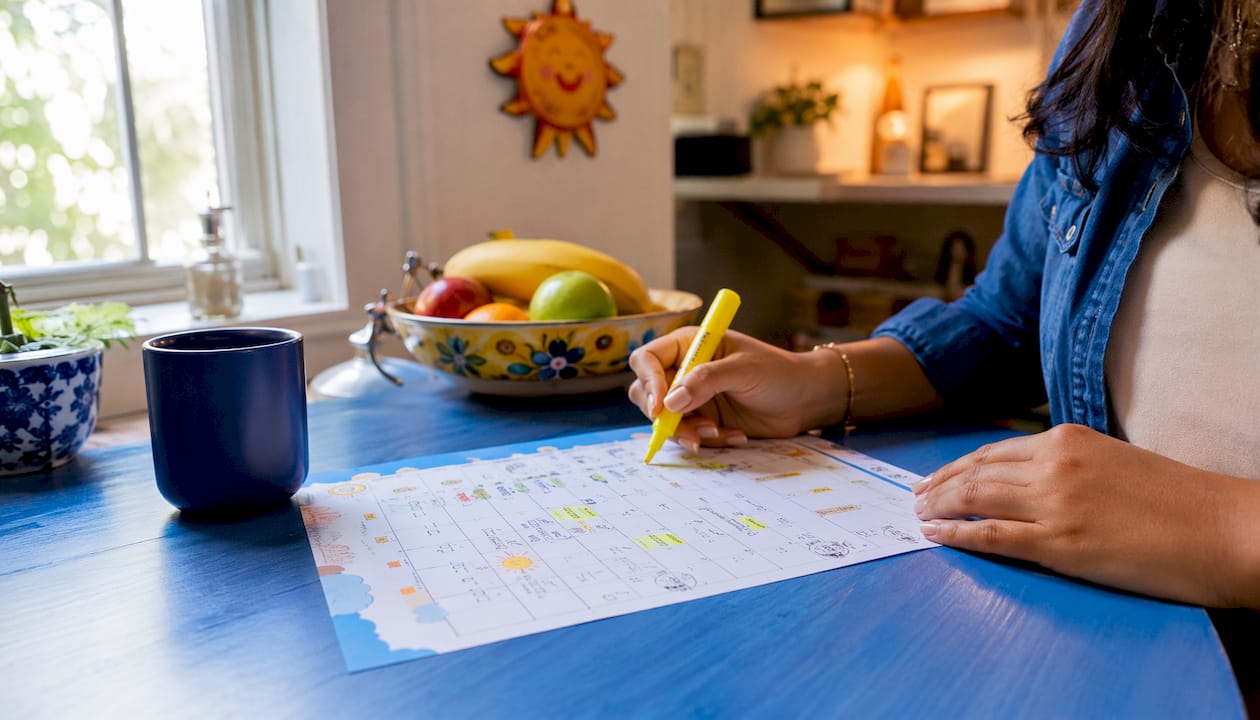
Google Sheets or Excel work well for families who want a shared document both parties can edit. A basic weekly grid with time blocks down the left column and days across the top covers most needs. Color-coding by activity type (meals, naps, play, duties) makes it scannable at a glance. Google Sheets has the added advantage of being accessible from any device without downloading a file.
Printable PDF templates suit caregivers who prefer a physical reference during the day. Sites like Template.net offer free, editable nanny schedule templates you can customize and print. AllBusinessTemplates also provides a certified daily nanny schedule in PDF format that covers the standard daily log structure.
Dedicated scheduling apps go further than any spreadsheet. They combine the schedule itself with time tracking, care notes, and family communication in one place. For professional caregivers managing multiple families, this is where the real efficiency gain is. A spreadsheet can't send you a notification or log your hours automatically.
The right format depends on your situation. If you're working with one family and they're comfortable with a shared Google Sheet, that's a perfectly solid system. If you're managing two or three families, a dedicated app keeps everything organized without the risk of mixing up details between households.
Thecaretracker gives you a free, professional-grade scheduling tool

Paper schedules and shared spreadsheets get the job done, but they don't protect your hours, keep your care details organized, or make it easy to coordinate with multiple families at once. Thecaretracker does all of that, and it's completely free for caregivers.
With Thecaretracker, you can receive and approve schedule requests directly in the app, view every job in one unified calendar, and track your hours with the accuracy that professional caregiving requires. Critical care details like allergies, medications, emergency contacts, and nap and nursing schedules are stored in the app and accessible the moment you need them. No more digging through texts or printed sheets mid-shift.
For caregivers who want to work more professionally and communicate more clearly with the families they serve, Thecaretracker is the practical next step. Download it free and set up your first schedule today.
Key Takeaways
A nanny schedule template works best when it combines a clear daily structure with mobile tools that keep it accurate, accessible, and easy to update collaboratively.
| Point | Details |
|---|---|
| Core template components | Include morning/evening routines, meals, nap times, outdoor play, and emergency contacts as the baseline. |
| Wake windows over clock times | Scheduling naps around wake windows rather than fixed times reduces burnout and supports child development. |
| Caregiver collaboration | Involving nannies in schedule creation produces realistic timing, clearer expectations, and stronger working relationships. |
| Mobile apps add real value | Apps enable real-time updates, accurate hour tracking, and instant access to care details across multiple families. |
| Thecaretracker | Free for caregivers, it combines schedule management, hour tracking, and critical care information in one app. |