Splitting caregiving duties between family members and paid caregivers often leads to missing schedules, incomplete logs, or scattered care details. Many caregiver apps force users to pay for time tracking, lack shared care profiles, or miss features for joint family and paid caregiver management. This comparison covers price, shared profiles, and scheduling features across five alternatives so you can match one to your family's workflow and budget without trial-and-error.
Table of Contents
CareTracker
At a Glance
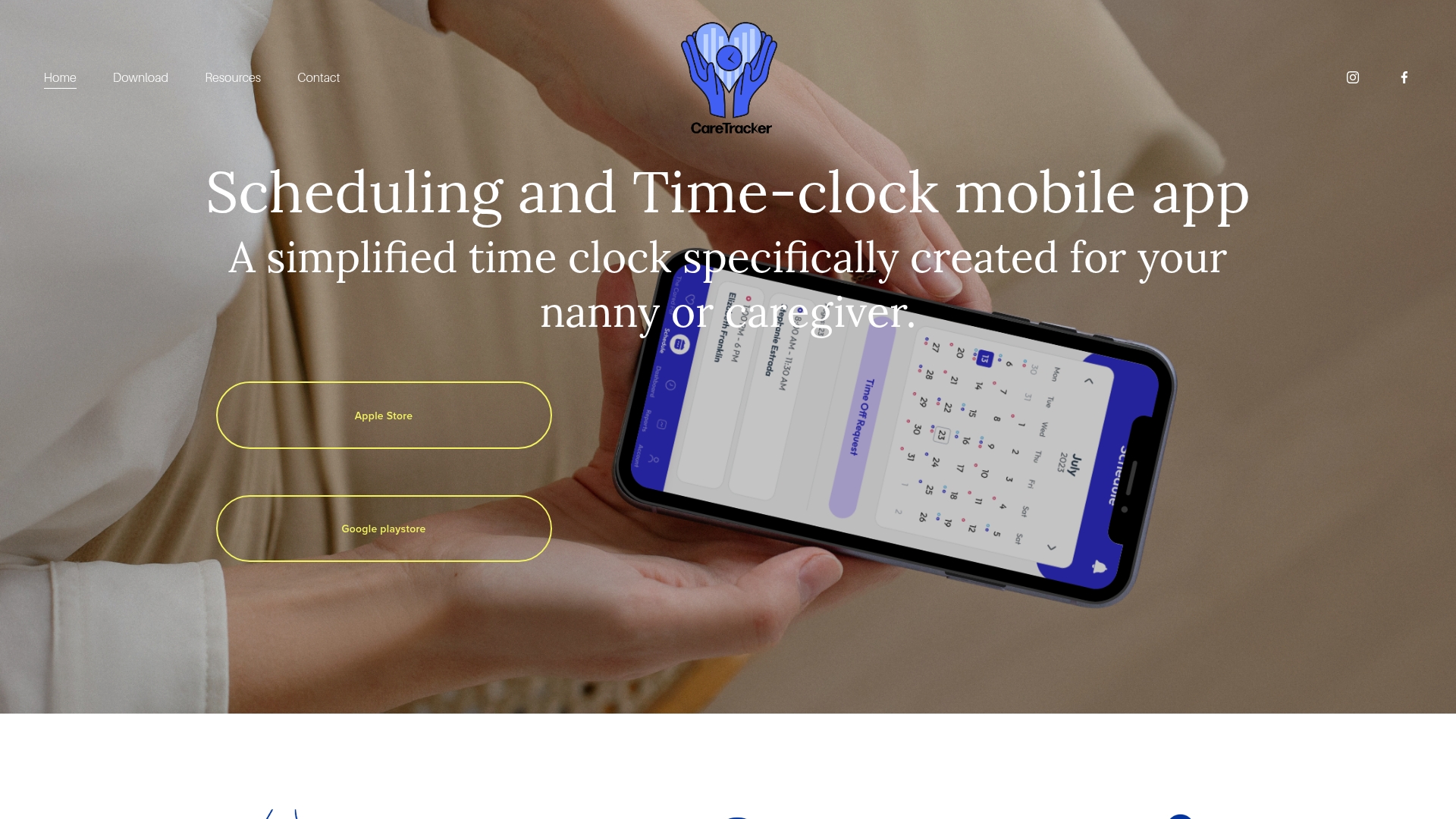
CareTracker is completely free for caregivers. It combines schedule approvals, weekly hour logs, and shared care profiles on a single mobile interface. The app highlights medication, allergy, feeding, and nap details so families and caregivers can view the same information quickly.
Core Features
CareTracker provides time clock tracking and scheduling so caregivers can log and review hours from their phone. Personalized care recipient profiles hold medications, allergies, feeding notes, nursing schedules, and nap times that family members and hired caregivers can access. Shared calendars, notifications, and the ability to receive and approve schedule requests keep caregiving tasks and appointments visible to everyone involved.
Key Differentiator
The app centers on caregiver workflows rather than general household management. That focus brings schedule approvals, hour tracking, and shared care information into one mobile experience tailored to in home caregiving. For families that split duties among relatives and paid caregivers, the single app reduces the need for multiple notes and separate time logs.
Pros
Using CareTracker reduces administrative work for both family employers and hired caregivers by keeping time records and care details in one place. The platform supports collaboration because shared calendars and profiles let relatives, parents, and caregivers see the same medication lists and emergency contacts. It adapts to both informal family caregiving and professional nanny work, and caregivers do not pay to use the basic app features.
Cons
- Requires smartphone access, which may exclude caregivers who do not use mobile devices.
Who It's For
Household employers who hire nannies and families that split caregiving tasks across relatives will find CareTracker useful. Professional nannies who need to log weekly hours and communicate schedule changes will benefit from the app. Families caring for an elderly person or a child with medication needs will value the shared medication and allergy records.
Unique Value Proposition
Caregivers can use the app at no cost, which removes a financial barrier to consistent time tracking and care notes. That cost structure makes it easier for nannies to submit hour logs and for families to approve schedules without additional software fees. As a result, employers get clearer hourly records and caregivers keep an accurate log without paying for an account.
Real World Use Case
A nanny opens CareTracker at the start of a shift to accept the family schedule and start the time clock. She records a medication administration and adds a short note for the family to review. At the end of the week the household employer reviews the logged hours, confirms schedule changes, and checks the care notes for any follow up.
Pricing
Caregivers use the app for free. Pricing for household employers, agencies, or additional paid features is not publicly listed. The vendor describes the core caregiver experience as no cost for caregivers.
Website: https://thecaretracker.com
TendTo
At a Glance
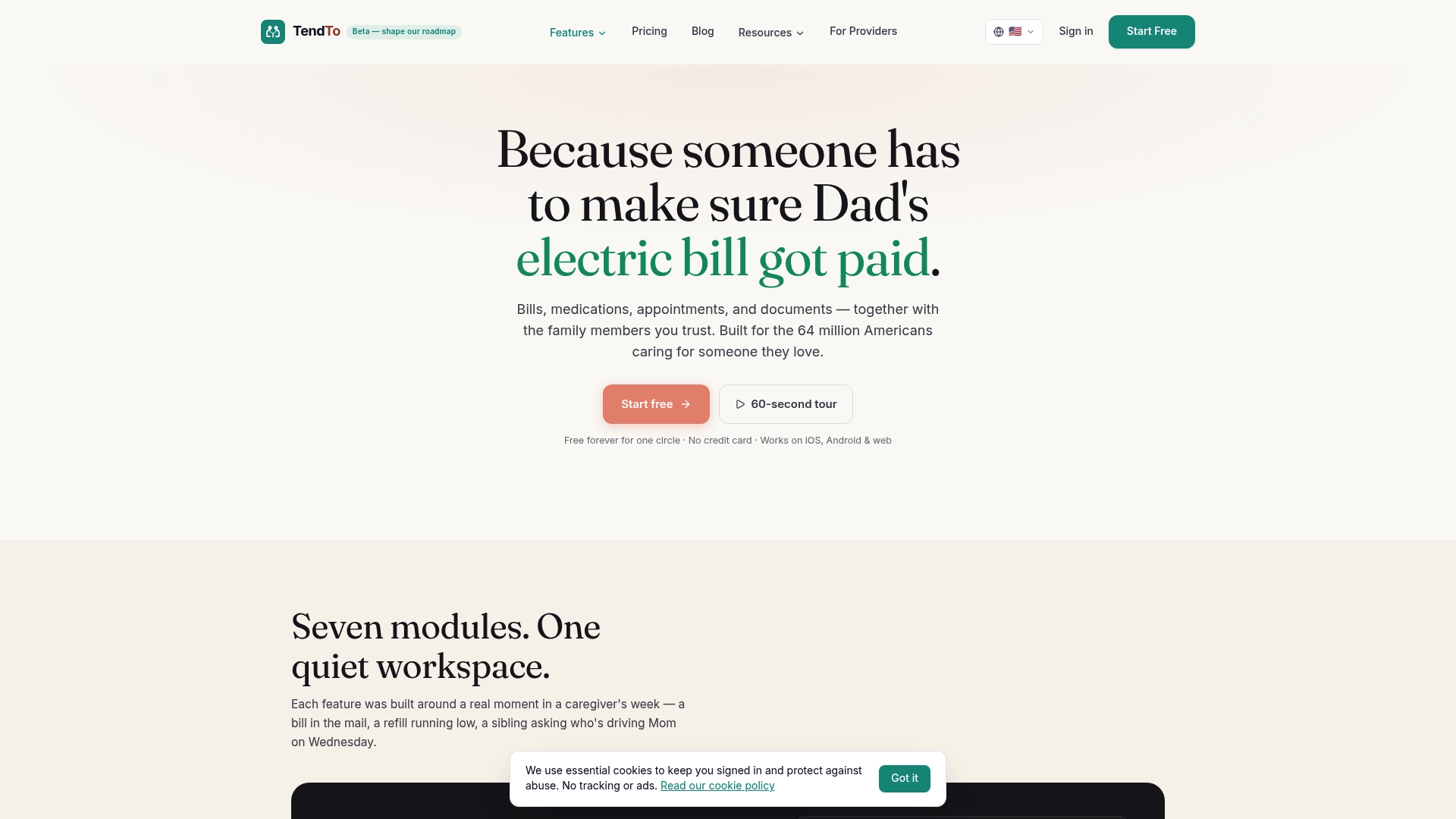
Free forever for one care circle comes with built in medication alerts and a document vault with OCR scanning. TendTo's marketing materials state it supports HIPAA aligned data handling and healthcare interoperability. The platform also includes an AI assistant named Tali for care summaries and insurance questions.
Core Features
TendTo groups bills, medications, appointments, documents, and family messages into a single shared workspace for caregivers and relatives. The document vault uses OCR to make medical records searchable, and medication management shows drug interaction warnings. A shared calendar, role based care circle permissions, emergency care packets with QR sharing, and offline support round out daily coordination.
Key Differentiator
The product centers specifically on family and elder care coordination with built in AI support and secure document sharing. That focus makes workflows and labels more relevant to relatives and professional aides than a generic task app. Families that want medication safety checks and a shared document store will notice this orientation quickly.
Pros
TendTo provides a cohesive shared workspace that keeps bills, appointments, and care notes in one place, reducing duplicated messages. The AI assistant Tali can draft summaries and answer basic insurance or administrative questions, speeding up routine follow up. Offline support and a privacy minded design help families access critical information during travel or unreliable connectivity.
Cons
-
Limited independent user reviews and public feedback make real world reliability harder to judge.
-
The feature set focuses on family caregiving use cases and may not match workplace or institutional workflows.
-
Offline mode is available but the platform requires an internet connection for full functionality.
-
Some advanced capabilities are gated behind paid tiers, so the free plan may feel constrained for larger care circles.
When It May Not Fit
Families that need a payroll or human resources style tool will find TendTo lacks those organizational features. Groups that must operate fully offline will hit limits because core sync features need internet access. Teams that require numerous third party integrations may find the sparse integration list restrictive.
Who It's For
Family caregivers, adult children arranging elder care, and professional aides who support multiple households will find the app relevant. People who want a private place to share medical documents, coordinate appointments, and track medications will see value. Small care networks that prefer mobile access and a family focused interface benefit most.
Real World Use Case
A set of adult children use TendTo to consolidate their parent's appointment schedule and upload lab results to the document vault. One child checks medication interaction warnings before approving a new prescription. The family shares emergency care packets via QR codes so neighbors and aides have instant access when needed.
Pricing
TendTo offers a free forever tier for one care circle. Paid tiers start with Family at $11.99/month or $144/year, and Premium at $19.99/month or $240/year. Choose paid plans for larger care circles and advanced features.
Website: https://tendto.ai
CircleCare
At a Glance
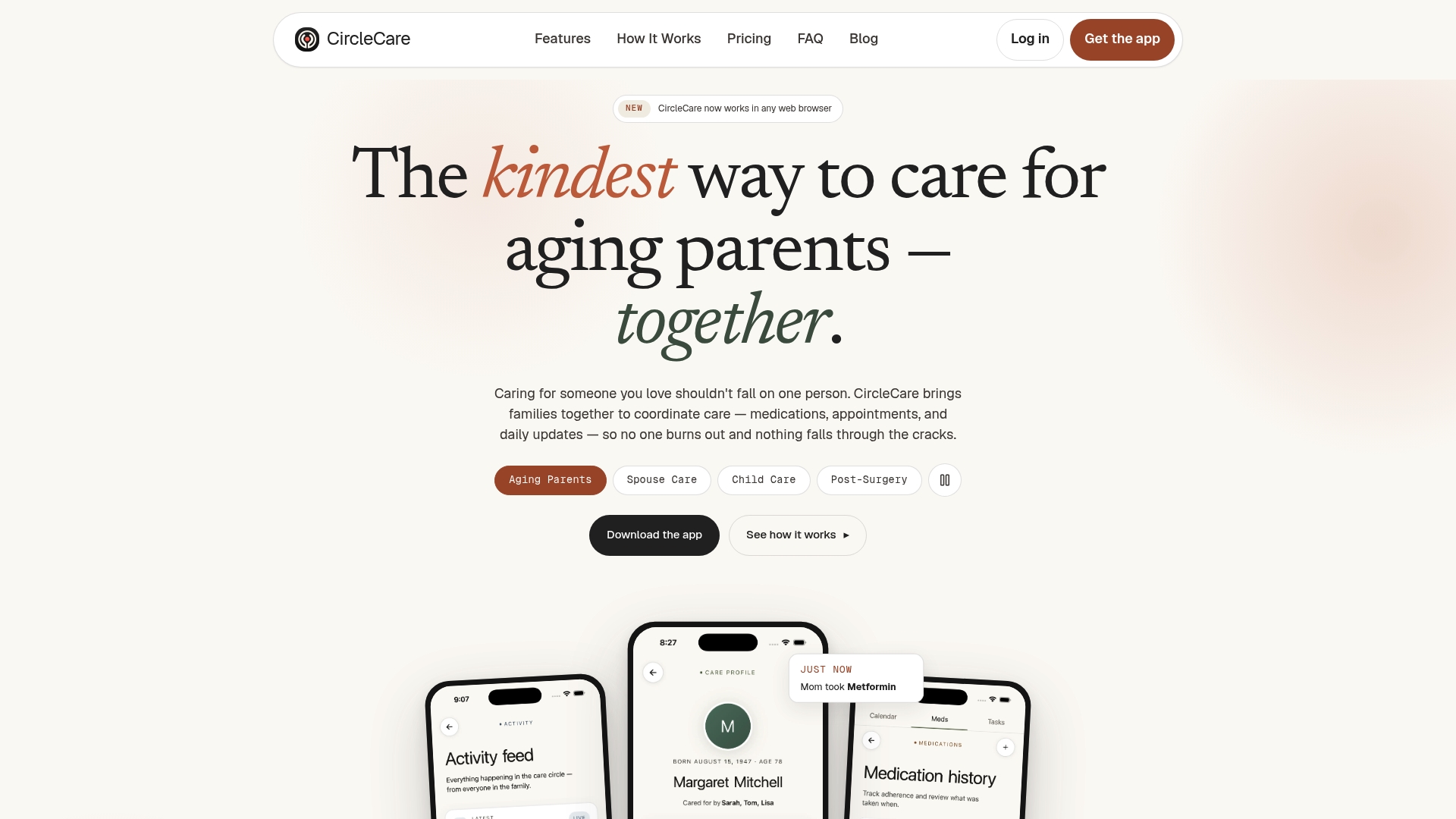
Document storage caps at 1GB per circle, letting families keep medical records and legal papers together. The app offers OCR scanning for prescriptions and an AI assistant to help with medication schedules. Caregivers can use the service for free, and family members may subscribe for extra features.
Core Features
CircleCare organizes care around a private shared care circle where members add appointments, medications, and tasks. A shared calendar records events and the activity feed logs confirmed medications, completed appointments, and quick updates. The app includes medication adherence tracking, OCR scanning of prescriptions, secure emergency info storage, and document storage for medical files.
Key Differentiator
A privacy first, device friendly care hub that combines scheduling, medication tracking, and document sharing with minimal setup. The product focuses on keeping sensitive data private while letting multiple family members and paid caregivers collaborate. That emphasis on private, simple collaboration sets it apart from general chat or notes apps.
Pros
CircleCare brings core caregiving communication into one place so families do not juggle multiple apps. The interface is clean and ad free, which helps older members and less technical caregivers get started quickly. Cross device access via web, iOS, and Android keeps everyone synced, and features such as OCR scanning and the AI assistant add practical help for medication entry and scheduling. The vendor offers free access for caregivers, which lowers the barrier for families relying on unpaid or hired help.
Cons
- User interface can be clunky for some members, making navigation less smooth.
- Customer support responsiveness has been reported as slow in user reviews.
- Limited options for deep customization or advanced automation compared with workflow focused tools.
- Some users find organizing and navigating events and tasks challenging.
When It May Not Fit
If you need highly customizable workflows or deep automation, CircleCare will likely feel limited. Members who prefer ultra streamlined interfaces or power user controls may find the app clunky. Teams that require enterprise level workflow rules or heavy customization should look elsewhere.
Who It's For
Families and caregivers who want a private, shared space to coordinate ongoing care tasks and updates for a loved one. It suits people with basic tech familiarity who need to share medications, appointments, and documents across several household members. Long distance caregivers and mixed family teams benefit from the shared calendar and activity feed.
Real World Use Case
A family uses CircleCare to schedule doctors appointments, record medication doses, and share photo updates after a surgery. The primary caregiver scans prescriptions with the camera so the circle has accurate med details. Everyone checks the activity feed and calendar on their phone or browser, which reduces missed doses and dropped communications.
Website: https://circlecare.app
Tendwell
At a Glance
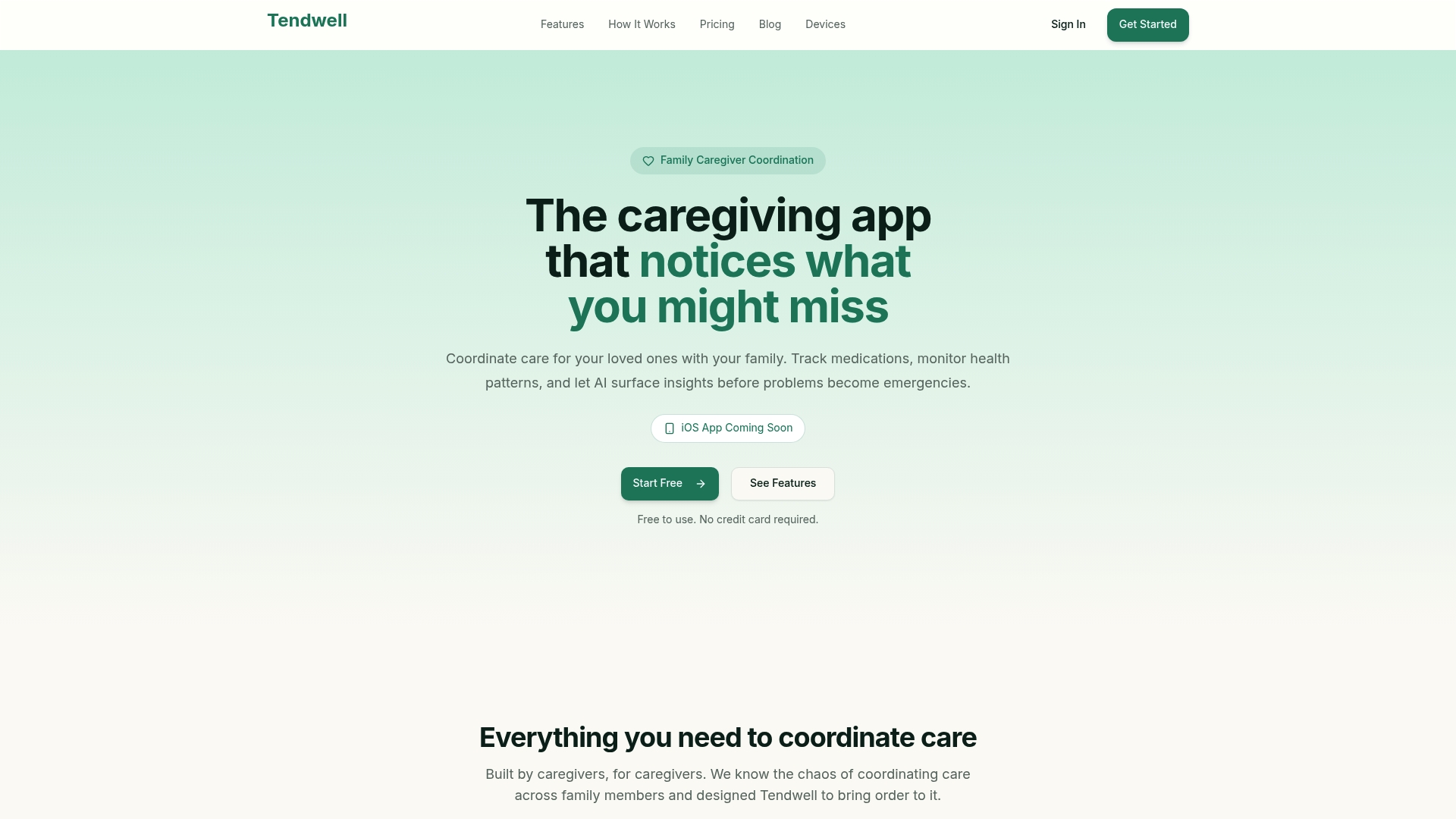
Tendwell plans deep iOS integration with Siri Shortcuts, health data sync, and home screen widgets to support caregivers on the move. The platform centers family coordination with tools for medication tracking, symptom journals, and a secure document vault. Pricing begins with a free tier and paid plans for higher capacity.
Core Features
Tendwell organizes family members into Care Circles so tasks and notes stay visible to everyone involved. Its Medication Tracking includes alerts, interaction warnings, and a document OCR tool for medication labels and prescriptions. The app pairs a AI-Powered Insights journal with calendar sync and a secure document vault to help families spot trends and store records.
Key Differentiator
The product was built by caregivers with planned deep iOS system integration, which sets it apart for families who rely on iPhone workflows. Siri Shortcuts and health data sync are listed as upcoming features that aim to reduce friction for caregivers on the go. That device-level focus makes the app a better fit for households that want voice logging and quick access from a home screen widget.
Pros
Tendwell emphasizes practical caregiving workflows with easy setup and family-first features that help household employers share workloads and schedules. The vendor advertises HIPAA-ready security features. That security claim, combined with offline-capable operation and device integration for blood pressure and glucose monitors, makes the platform suitable for medically complex care routines.
Cons
- No third-party review sites provide detailed user feedback or verified testimonials, leaving real-world satisfaction unclear.
- Several advanced features such as AI insights, smart reminders, and iOS integrations are still listed as coming soon, which limits current capability.
- Limited user feedback makes it hard to judge long term reliability and performance for larger families or professional home care.
When It May Not Fit
If you need a caregiving tool with long public usage history and independent reviews, Tendwell may feel unproven. The roadmap items that are still in development mean some workflows will require manual workarounds today. Larger households that need enterprise style verification may prefer a platform with established third-party evaluations.
Who It's For
Families managing elderly or chronically ill relatives who want shared calendars, medication lists, and a single place for health notes will find Tendwell relevant. It fits households where multiple family members must coordinate daily care and share responsibility. Caregivers who use Apple devices and want upcoming Siri and health sync features will gain particular benefit.
Real World Use Case
A family uses Tendwell to map medication schedules, assign morning and evening dosing to different relatives, and record vitals in the health journal. When symptoms appear, the family can log notes and review trend charts together. The planned voice logging and health sync will let caregivers update records while running errands.
Pricing
Tendwell is free to start. Paid plans add capacity and features at $10/month (Plus) and $20/month (Pro). The pricing model suits households that want to trial basic coordination without upfront cost.
Website: https://tendwellai.com
Care Canary
At a Glance
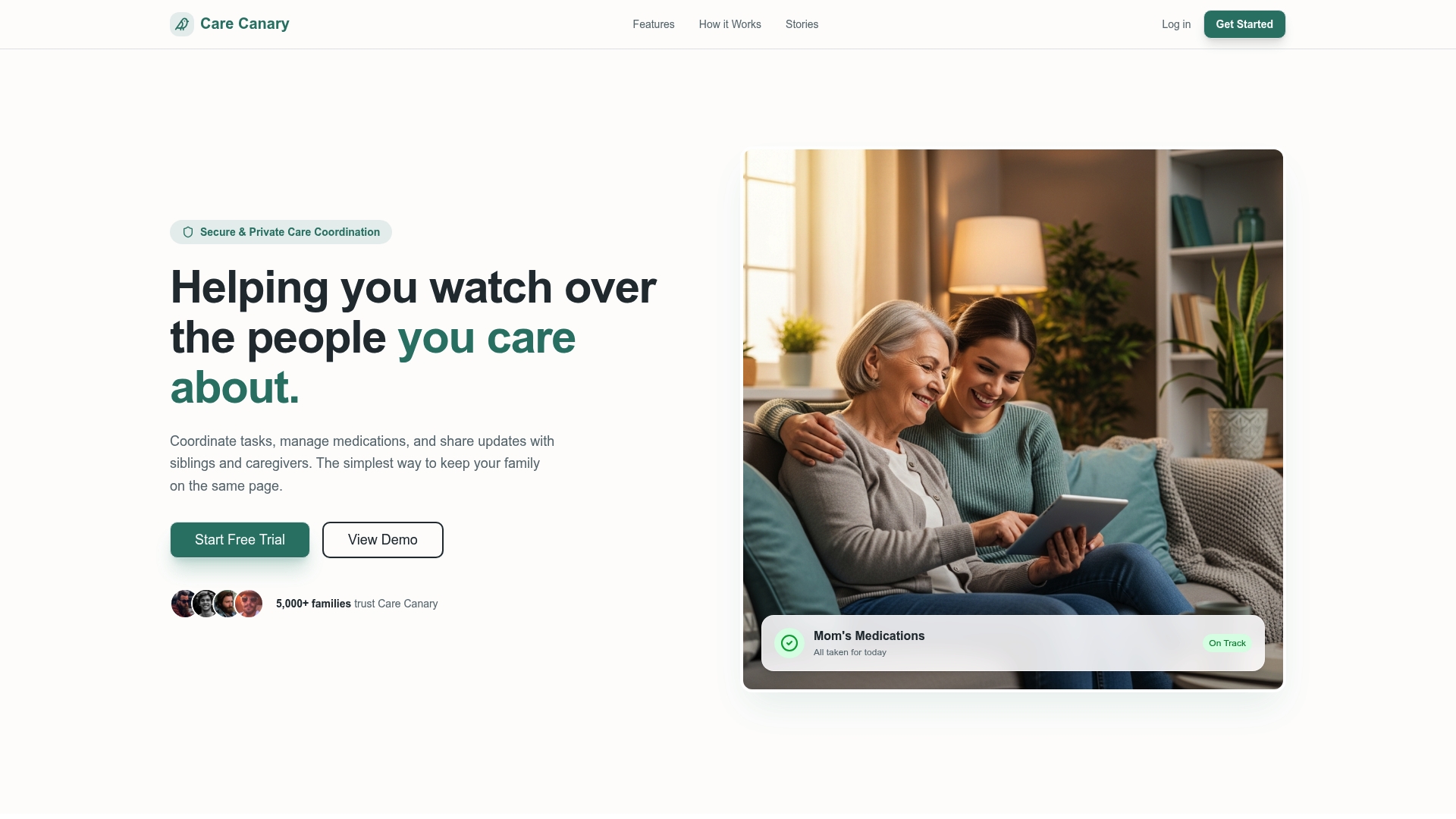
Care Canary includes a visual fairness score that shows how family caregiving tasks are divided. It records vitals, mood, and symptoms while keeping medical contacts and medication schedules in one place. That combination supports families who split responsibilities across households and need shared visibility.
Core Features
Core features center on health tracking and shared task management, which keep every family member informed. The platform stores centralized care profiles with medical info, emergency contacts, and appointment reminders. It also adds medication adherence reminders and safety tips to reduce missed doses and confusion.
Key Differentiator
A visual fairness score is Care Canary's defining feature. The score quantifies who accepts tasks and highlights imbalances so families can adjust responsibilities. That focus on transparent task sharing suits relatives who want a clear, neutral way to divide care work.
Pros
Care Canary combines wellness updates, task lists, and centralized profiles so families see care at a glance. Shared alerts and profiles reduce miscommunication when every member uses the same information. The platform supports long distance caregiving and offers easy setup for inviting relatives, which helps households coordinate across locations.
Cons
-
No specific third party reviews are publicly available to substantiate the platform's strengths or weaknesses.
-
Effectiveness depends on family member participation; low adoption limits the value of shared profiles and alerts.
-
Integration details with medical portals or professional caregiver systems are not listed, which may restrict workflow connections.
-
Pricing and enterprise options are not clearly documented in the available information.
When It May Not Fit
If you need verified third party feedback before adoption, this platform lacks that public validation. Households requiring deep integrations with electronic health records or agency systems may find limited options. It is also a poor fit when key relatives will not sign in regularly, since participation drives the platform's value.
Who It's For
Families coordinating care for seniors or relatives with health needs will find the tool most useful. You get shared schedules, medication reminders, and a central place for medical contacts. It fits households where relatives share tasks and want a simple way to track who does what.
Real World Use Case
A family uses Care Canary to align medication schedules, assign grocery runs, and post daily wellness updates for an elderly parent. The fairness score makes task imbalances visible so siblings can rebalance duties. Appointment reminders and shared profiles reduce missed visits and reduce confusion among distant relatives.
Website: https://carecanary.com
Comparison of alternatives
CareTracker provides families and hired caregivers with a tailored mobile interface for logging caregiving hours alongside shared care information, while competitors like TendTo and Care Canary include more specific record-keeping and monitoring features beneficial for different caregiving scenarios.
Focus on Features for Active Collaboration
CareTracker excels as a streamlined solution for scheduling, hourly tracking, and caregiver-family collaboration through a mobile application. It bridges communication gaps efficiently by maintaining centralized care profiles accessible to all parties involved. However, TendTo sets itself apart by emphasizing health-centered features such as OCR-based medical document management and drug interaction warnings, making it suitable for caregivers handling medically intense cases. CircleCare, similar to TendTo, focuses on basic family caregiving needs with shared calendars and task coordination while maintaining simplicity in its interface design.
Specialized Health Documentation Management
When it comes to handling extensive health-related documentation, TendTo surpasses CareTracker due to its integrated document vault and medication safety checks provided through its AI assistant, "Tali." This provides families the ability to securely manage health records and receive proactive alerts during caregiving. Conversely, CareTracker is more specialized in its focus on caregiver workflows rather than document management.
Best fit
- Families hiring nannies or other professional caregivers benefit from CareTracker's hour tracking and care recipient profile sharing features.
- TendTo's health document vault and medication safety alerts cater to households managing intense elder care situations.
- CircleCare fits families who prioritize simplicity in caregiving tools with essential caregiving task tracking.
- Care Canary is suitable for groups emphasizing fairness in task distribution through its visual fairness scoring tools.
Our pick
CareTracker stands out for its streamlined collaboration and organization features designed for professional caregivers and families alike. It provides intuitive hour tracking and task approval systems that specifically cater to employed caregiving roles. However, families needing health documentation support and medication alerts may find TendTo better aligned with their caregiving requirements.
Caregivers can benefit greatly from tools designed specifically for managing schedules, communication, and care details effectively. Below is a comparison table of leading caregiver apps, highlighting their main features, pricing models, and notable limitations.
| Product | Key Feature | Best For | Pricing | Notable Limitation |
|---|---|---|---|---|
| Thecaretracker | Care tracking and scheduling on a single platform | Families splitting caregiving | Free for caregivers | Requires smartphone access for use |
| TendTo | Medication alerts and document OCR for family caregivers | Elder care coordination | Free for one circle; $11.99/month for Family tier | Limited user reviews for assessing long-term reliability |
| CircleCare | Activity feed and shared calendar for care coordination | Families with basic tech needs | Free for caregivers | Interface can feel clunky for some users |
| Tendwell | AI-driven symptom and health journaling features | Families managing chronic care | Free; $10/month for Plus | Several features still listed as coming soon |
| Care Canary | Visual fairness score for task distribution transparency | Shared caregiving households | Price not published | Effectiveness depends on full family participation |
How Can You Simplify Caregiving Tasks and Hour Tracking?
Balancing schedules, tracking hours, and sharing care details can challenge households managing multiple caregivers. The top caregiver apps reveal one clear need: a single, trusted tool focused on caregivers’ workflows. Thecaretracker meets that need. It keeps schedules, weekly hours, and important care information like medications and allergies visible to families and caregivers—all on an easy, free mobile app.
Key benefits include:
- Approve and receive schedule requests
- View all jobs and appointments in one calendar
- Track weekly hours accurately for payroll transparency
- Access emergency contacts, nap and nursing schedules instantly
See how Thecaretracker helps families like yours reduce administrative overhead and build trust between employers and caregivers. Visit Thecaretracker website to access the free app and start reviewing schedules and hour logs with confidence.
FAQ
How does CareTracker assist with caregiver scheduling?
CareTracker simplifies caregiver scheduling by offering shared calendars and notifications to track daily tasks. Its ability to receive and approve schedule requests keeps everyone informed, enhancing coordination among family members and caregivers. Users can expect a streamlined experience in managing caregiving appointments.
What is the difference between TendTo and CareTracker?
TendTo excels at providing built-in medication alerts and a document vault with OCR scanning, making it ideal for families wanting extensive medical management. CareTracker is more suited for household employers needing to track weekly hours and schedule approvals in a user-friendly mobile app environment. Each app serves distinct caregiving scenarios, depending on the user's focus.
Which platform offers medication management features?
CareTracker provides personalized care recipient profiles that include medication, allergies, and feeding notes easily viewable by both family members and caregivers. This centralized information helps ensure that everyone is aware of important health details and needs. For those specifically looking for robust medication management, CareTracker serves as a practical solution.
Can I use CareTracker if my caregiver doesn’t have a smartphone?
CareTracker requires smartphone access, which may exclude caregivers who do not use mobile devices. If smartphone use is a limitation for your caregiving team, you might need to explore alternative solutions that support non-digital setups.
How does CareTracker improve communication among caregivers?
CareTracker enhances communication through shared profiles and calendars, allowing family members and caregivers to stay aligned on care tasks and schedules. This clear visibility reduces miscommunication and fosters collaboration within the caregiving team. Families can expect a more integrated approach to managing their loved one’s care.